
Dashboard: Mail
The Mail page is a searchable view of your connected mailbox. Once a mailbox is connected, syncing happens automatically in the background. You can browse the message list and read mail here, or ask Kura-chan to read, search, and send mail for you.
Before you begin
Section titled “Before you begin”- Connect at least one mailbox. If you haven’t yet, read Connect & sync a mailbox first.
-
Click the sections menu in the top-left corner and choose
Mail.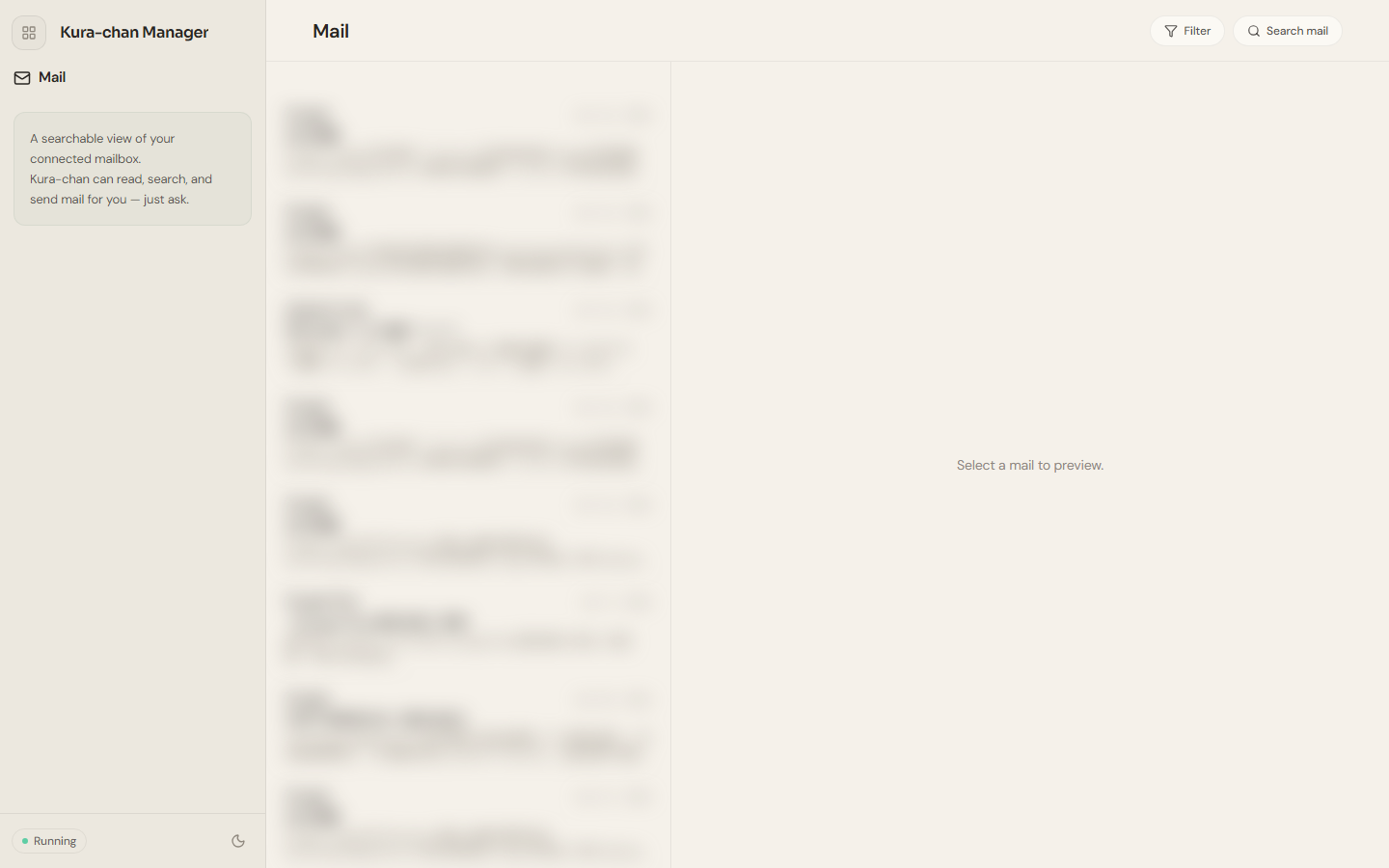
-
Browse messages in the middle list. Messages are sorted by time, each showing the sender, date, subject, and a body preview.
-
Click a message to read it on the right. Switch the rendering with
HTML/Plain; if the body contains external images, they load only after you clickShow external images.
Next steps
Section titled “Next steps”To find a specific message quickly, read Search & filter mail. To have Kura-chan handle mail in chat, read Chat with Kura-chan: Mail.