
Kura-chan app: Videos
Videos gathers the video files Kura-chan can read, sorted by time, with each video’s length shown as a badge.
-
Click
Videosin the left sidebar.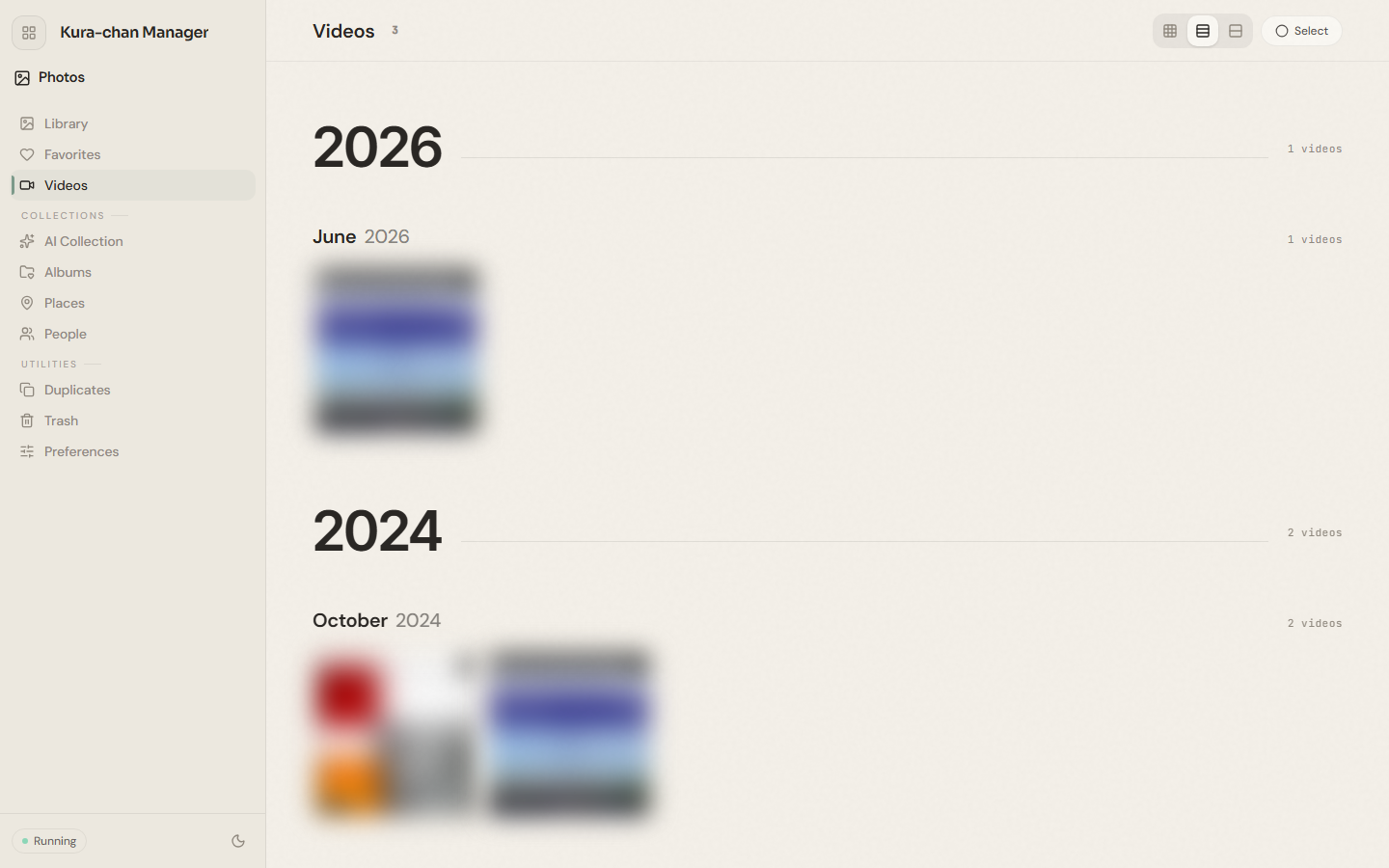
-
Click a video to open it full-screen and play it. Whether it auto-plays is controlled by
Auto-play videosinPreferences.
Next steps
Section titled “Next steps”To turn spoken audio in a video into text, continue with Kura Drive: Transcribe.