
Kura-chan app: Account
The Account panel is where you view and manage your Kura AI account, plan, connected device, and usage.
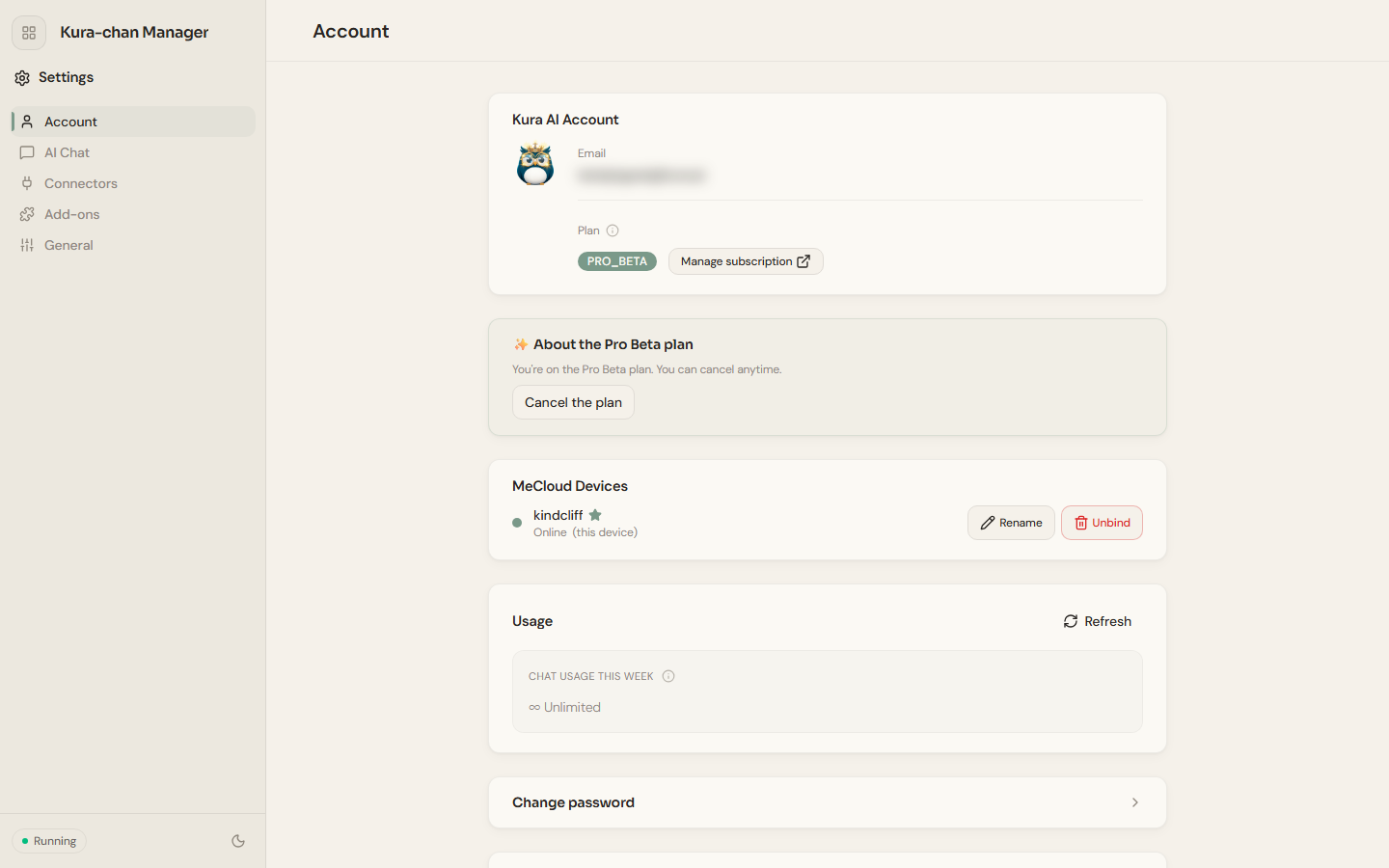
Account and plan
Section titled “Account and plan”Kura AI account: shows your login email.Plan: shows your current plan; clickManage subscriptionto open subscription management. Paid plans have aCancel planoption.
MeCloud device
Section titled “MeCloud device”MeCloud device shows the devices bound to your account and their online status (this machine is marked This device). You can Rename a device or use Unbind to remove it from your account.
Usage shows your conversation and other usage. Click Refresh to get the latest data.
Account security
Section titled “Account security”Change password: change your account password.Delete account: permanently delete your account.Log out: sign out of the current session.
Next steps
Section titled “Next steps”To choose an AI provider or connect chat channels, continue with AI Chat.