
Kura-chan app: Favorites
Favorites gathers the photos you’ve marked as favorites, so the ones you look at most are easy to find again.
-
In
Libraryor the full-screen photo view, click the heart icon on a photo to favorite it. -
Click
Favoritesin the left sidebar to see all your favorited photos.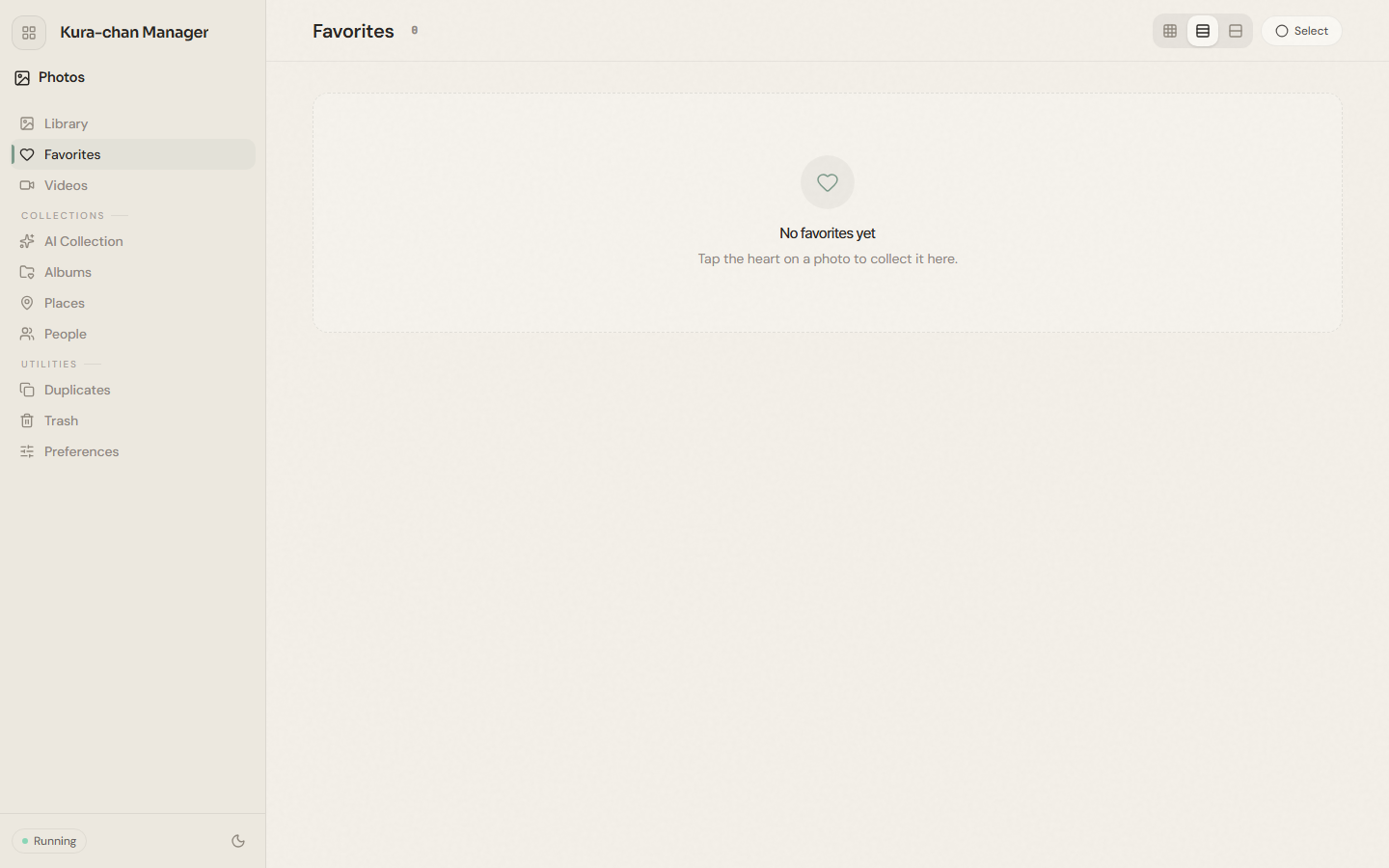
-
Click the heart icon again to remove a favorite.
Favorites and Disliked are mutually exclusive: selecting one clears the other. See Disliked photos.
Next steps
Section titled “Next steps”To organize photos into your own collections, continue with Albums.