
Search photos
Searching photos finds them by meaning, not by file name. Type a red bike by the sea and Kura-chan ranks photos by how well their actual contents match.
Before you begin
Section titled “Before you begin”- Prepare your photos first in Preferences. Only prepared photos can be searched.
- Free and Lite also support AI photo search. Plans mainly differ in usage allowances. Check your remaining allowance on the account page.
Search
Section titled “Search”-
Open
Libraryand clickSearch photosin the top-right. -
Type a description into the search box — for example
sunset at the beach,a dog on the sofa.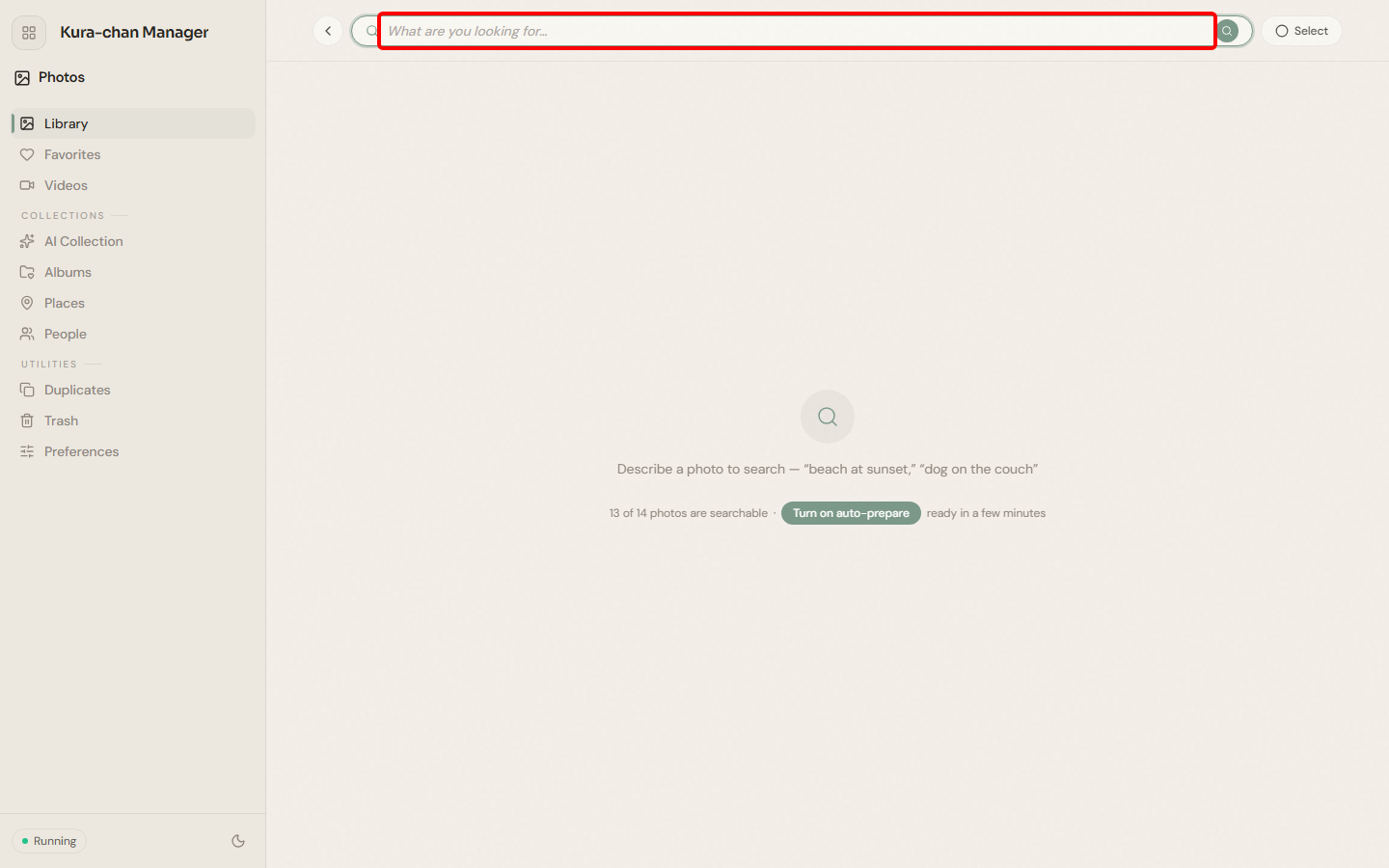
-
Results are ranked by similarity, with the closest photos first. Next to the search box you’ll see how many photos are currently searchable.
Troubleshooting
Section titled “Troubleshooting”- No photos found, or it says some photos aren’t prepared. Open Preferences and run
Prepare all remaining, or turn onAuto-prepare. - The search box is greyed out / reports an exhausted allowance. Check that your photos have finished preparing and review your remaining allowance on the account page. Follow the guidance shown there.
- Videos don’t show up. Videos aren’t prepared, so they never appear in results.
Next steps
Section titled “Next steps”To have Kura-chan find photos for you in chat, read Chat with Kura-chan: Photo search.