
Kura-chan app: Upload & download
Put local files into Kura Drive for Kura-chan to work with, or download files from the workspace back to your device.
Upload
Section titled “Upload”-
Open
Kura Driveand go to the folder where you want the files. -
Click
Uploadat the top and pick local files, or drag files straight into the workspace.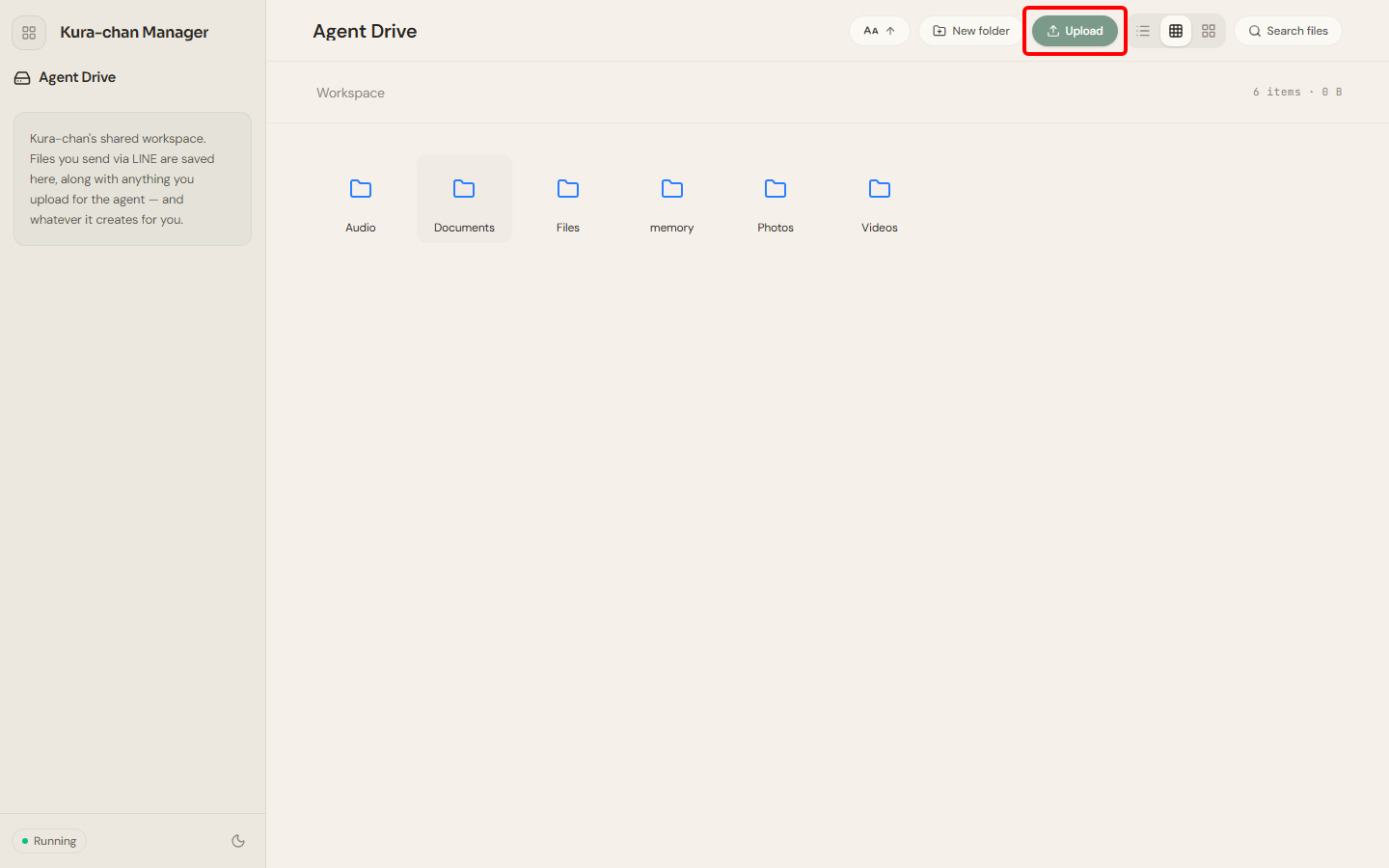
Download
Section titled “Download”-
Right-click the file you want and choose
Download. -
You can also pick several files in select mode and download them from the bottom action bar.
Next steps
Section titled “Next steps”After uploading a document, you can add it to Memory Kura.