
Kura-chan app: AI collections
AI collections sorts your photos into easy-to-browse collections automatically — no manual organizing. The contents update on their own as photos are prepared.
Collection types
Section titled “Collection types”-
Click
AI collectionsin the left sidebar.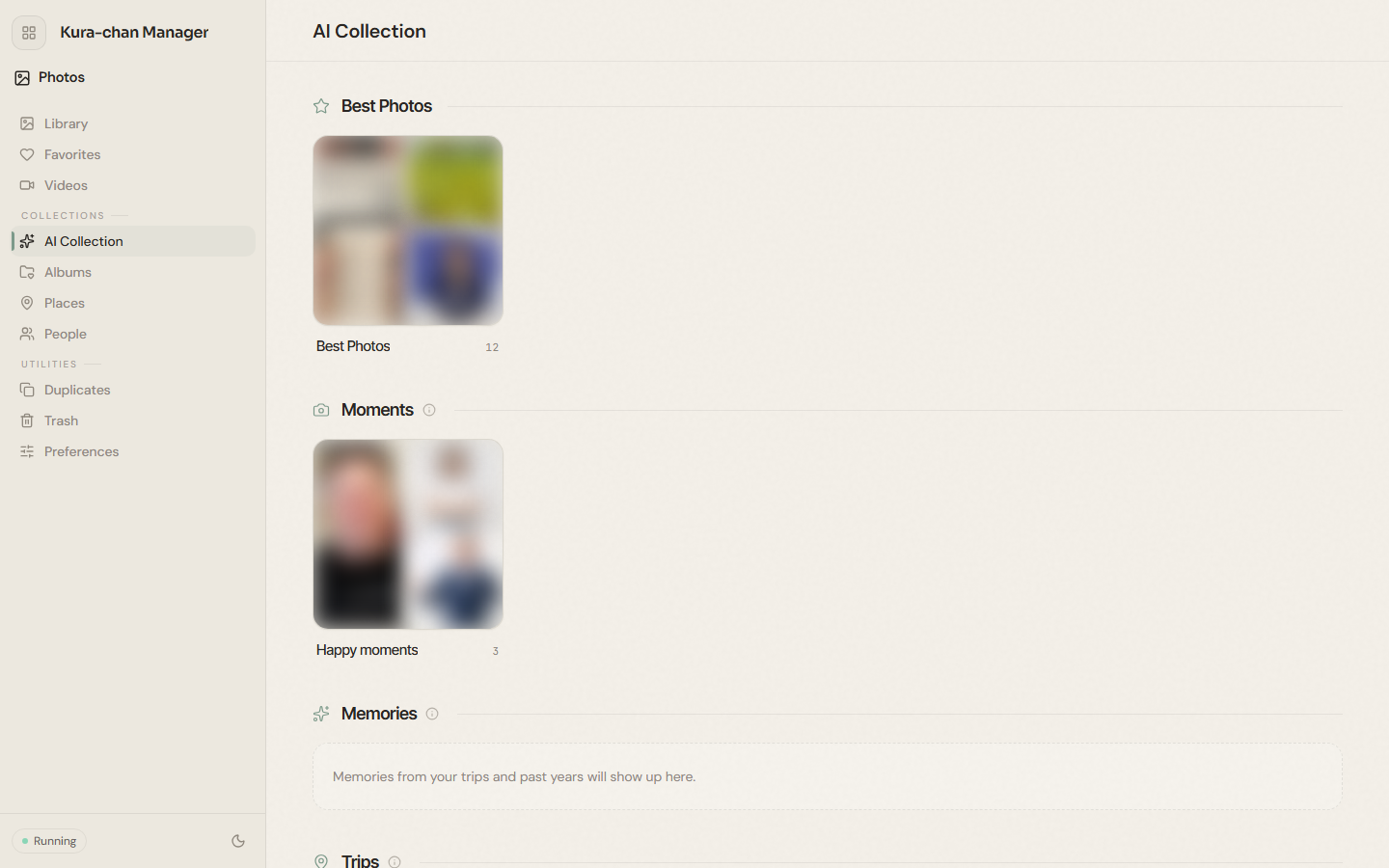
-
Browse the collections:
Featured photos: standout photos Kura-chan picks for you.Moments: groups of moments by time and scene, such asHappy moments.Memories: trips and past memories appear here.Trips: shown once a trip is detected in your photos.Documents:Receipts,business cards, and more recognized from photos.
-
Click any collection to view the photos inside it.
Next steps
Section titled “Next steps”- Recognized receipts and business cards also go into Memory Kura. See Receipts and Business cards.
- To browse by person, continue with People.