
Kura-chan app: Places
Places groups photos that carry GPS information by country, city, and place, and lets you browse them in a list or on a map.
-
Click
Placesin the left sidebar.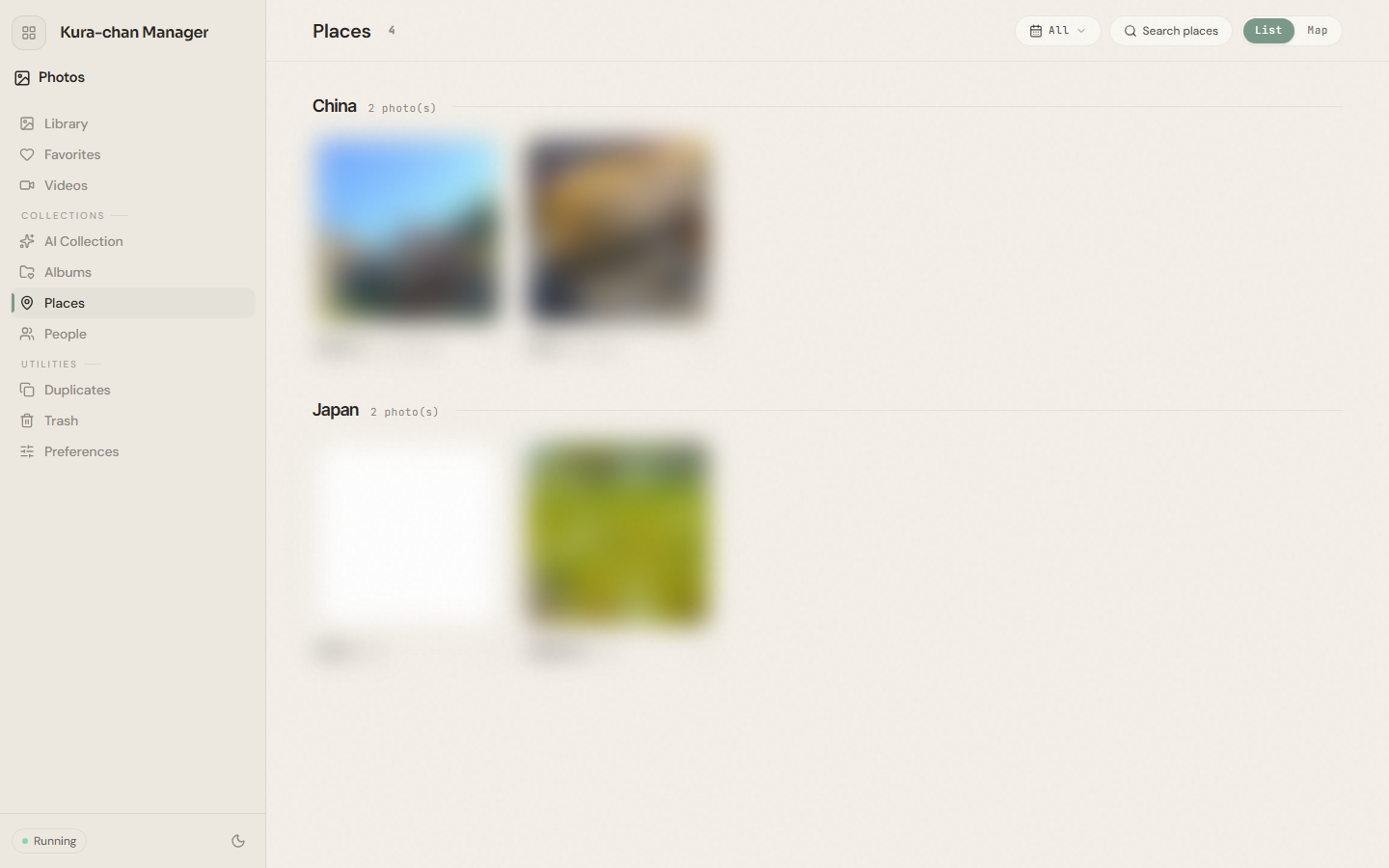
-
Switch between
ListandMapin the top-right, or type a place name intoSearch placesto jump to it. -
Click a country or place to view its photos.
Troubleshooting
Section titled “Troubleshooting”- Places is empty or missing photos. Only photos that contain GPS information appear here. Photos without location data aren’t grouped under any place.
- Photos don’t appear under the expected place. Confirm those photos are read by Kura-chan — see the photo source in Preferences.
Next steps
Section titled “Next steps”To browse photos by person, continue with People.