
Photos and documents,
turned into data you can use.
Memory Kura is where Kura-chan reads the photos and documents on MeCloud, organizes them and keeps them. Receipts become spending records, business cards become contacts, and documents become articles that link to each other. Values stay in the document's own language, and the original photos and files remain stored on MeCloud. Everything can be browsed in the app or asked for in chat on LINE and other messengers.
These features are released, except items explicitly marked as planned. Screens were captured from the development build used to prepare this showcase; appearance and availability depend on your installed version. Chat examples and document data are illustrative samples.
Three places, three ways in
Memory Kura has three places: Receipts, Cards and Articles. There are three ways in: photos already in MeCloud photo library, documents placed in Kura Drive, and photos sent in chat. Whichever way something arrives, Kura-chan reads it and files it in the right place.
Photos are found for you
Receipts, cards, tickets, handwritten notes and printed pages in the photo library are sorted out automatically by the photo AI Collection. They wait under Add in Memory Kura.
Documents just go in Kura Drive
Markdown, text and PDF files in the Documents folder become article material. With hourly auto-add turned on, dropping a file in is all it takes.
Straight from chat
Send a receipt or card photo on LINE and it is recorded on the spot. The photo itself is saved to MeCloud too.
Originals stay as they are
A record is its own piece of data, independent of the photo. Tidy up and delete the photo later, and the record remains.
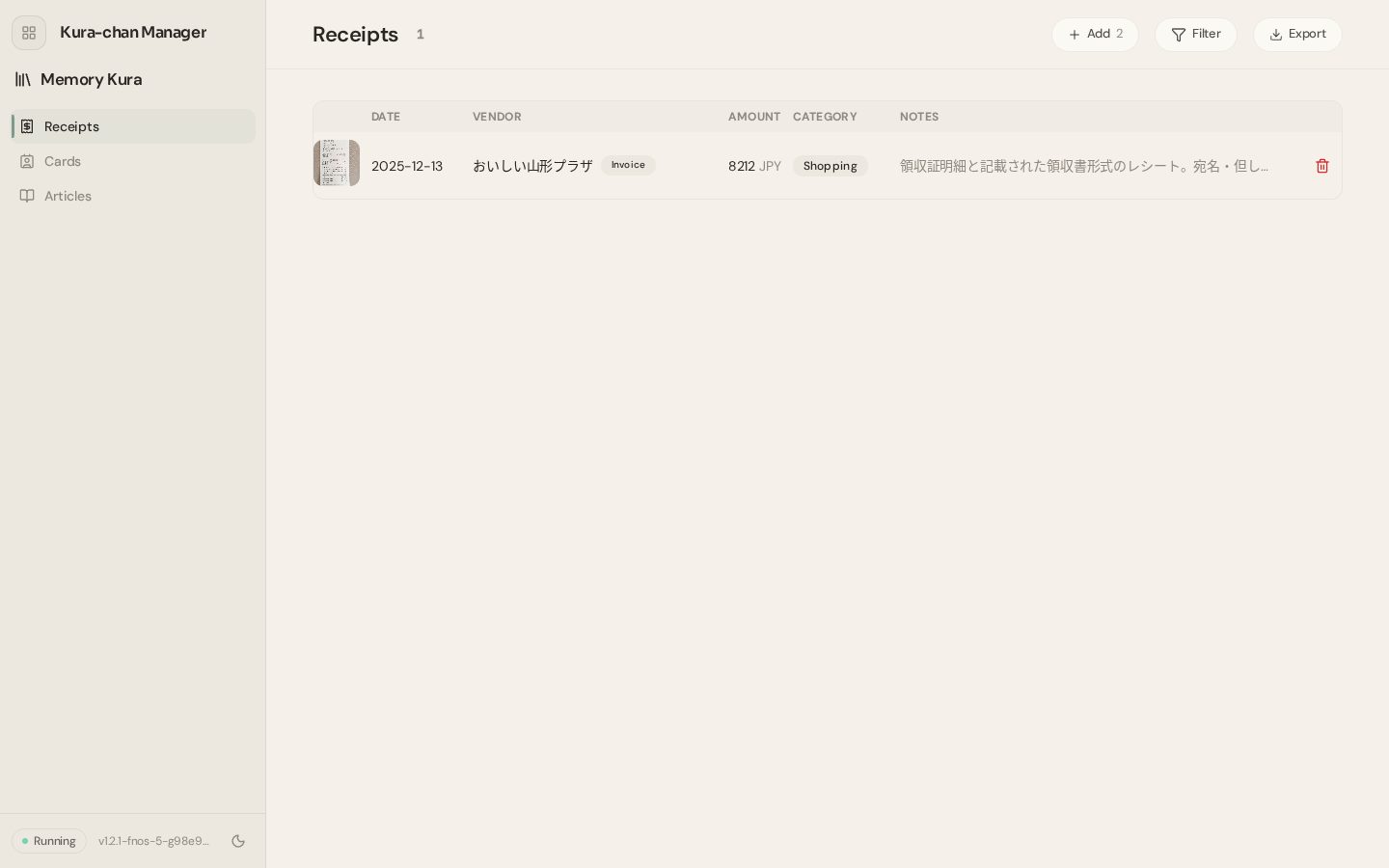
Receipts, 領収書 and invoicesAlso in chat
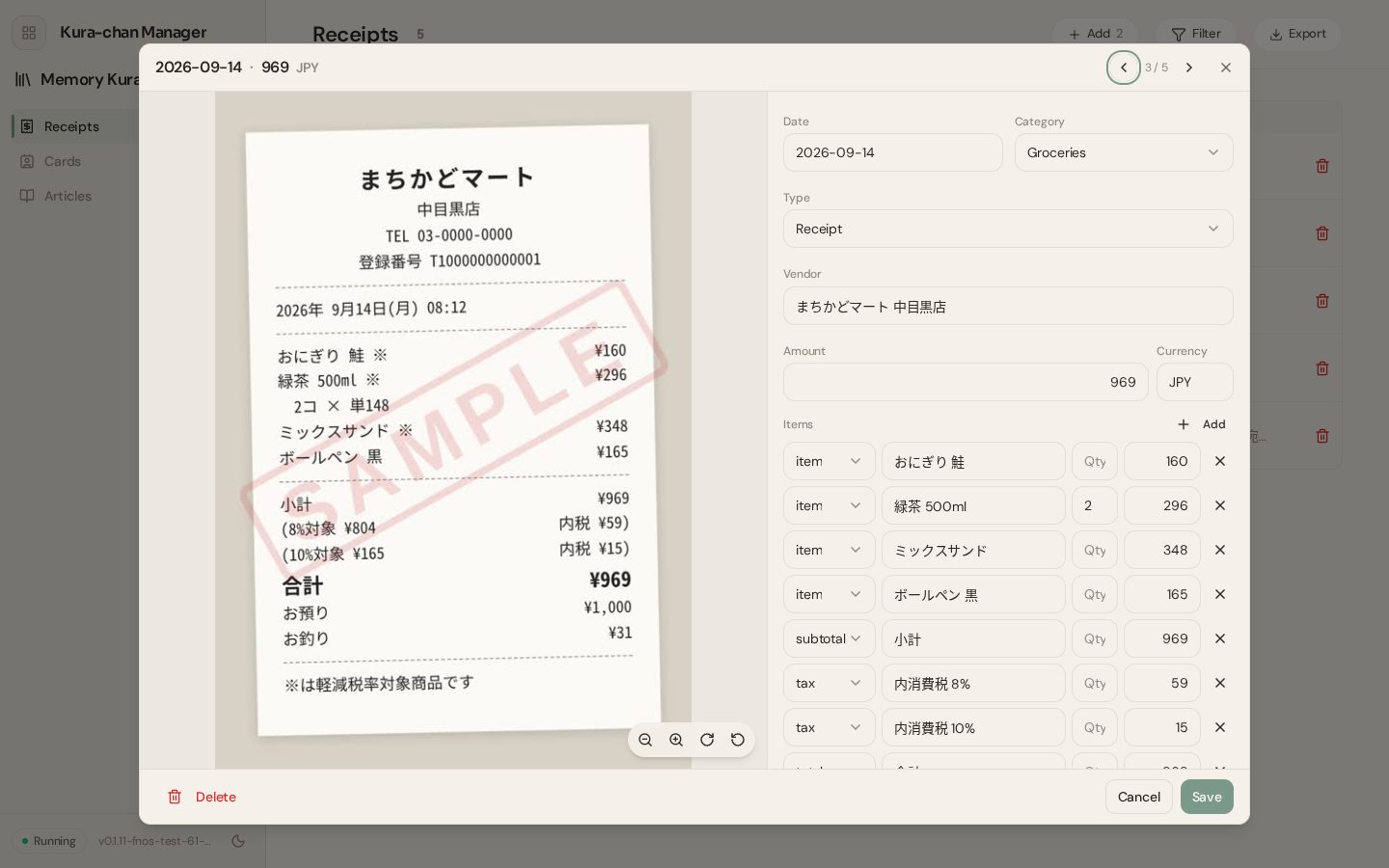
Register receipts, formal 領収書 and invoices with a recipient and purpose, and receipts from abroad each become a record. Every printed line carries its role: item, subtotal, tax, total, payment, change. The headline amount is the one printed on the document.
 Kura-chan
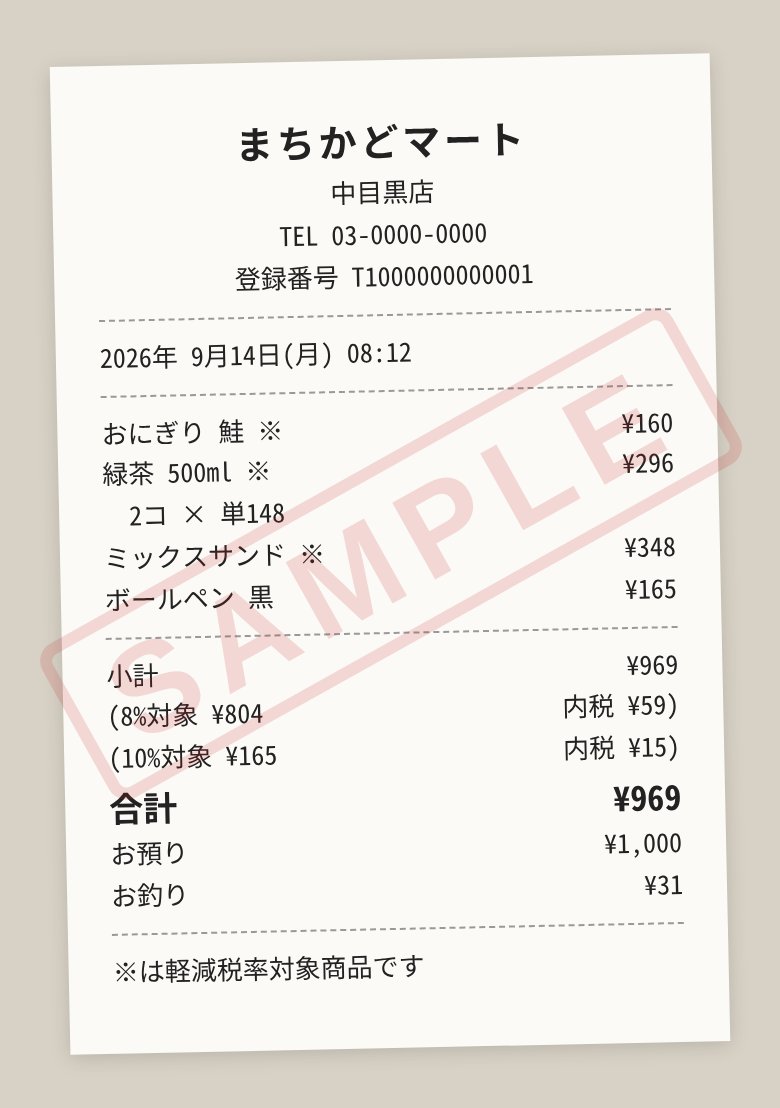
まちかどマート 中目黒店
Sep 14, 2026 · ¥969 (Groceries)
4 items: onigiri, 2 green teas and more
Kinds and lines
Receipts and formal 領収書 / invoices are told apart. Invoices also carry recipient, purpose, registration number and document number, and extras like payment deadline or bank details are kept in the document's own words.
Filter and total
Filter by year, month and ten categories. On a phone, records group by month with a total per currency.
Fix it in place
Edit the vendor, amount, category, line items and notes. Deleting asks first. Arrows step through neighbouring records.
Spots duplicates
A record with the same date, amount and currency as another is flagged as a possible duplicate.
Receipts from abroad
The currency follows the document (JPY, USD, CNY and so on), and names and lines stay in the original language.
The original is one tap away
Every record links back to its photo, so it can always be checked against the original.
Business cardsAlso in chat
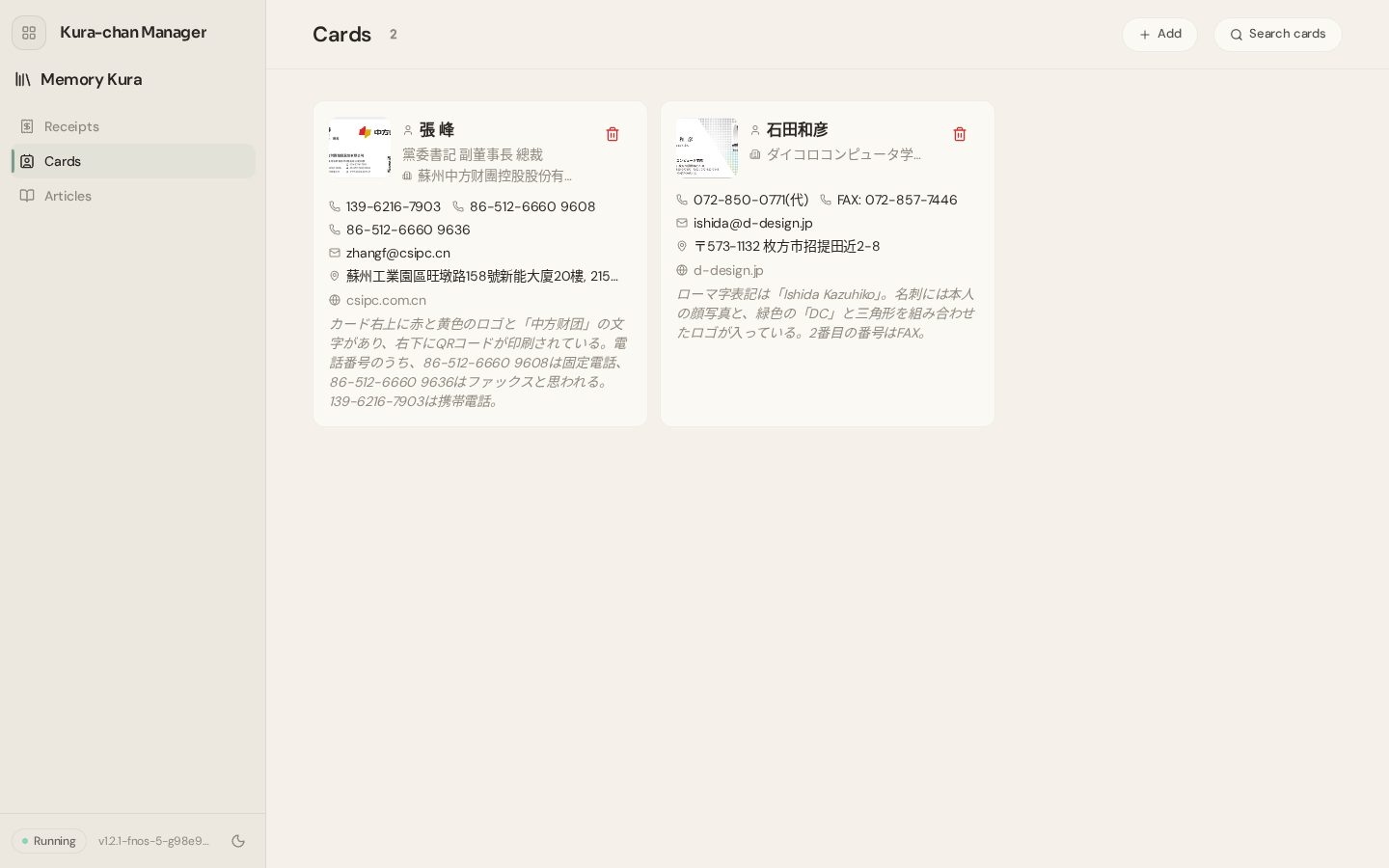
Horizontal, vertical and English cards are all read for name, company, title, phone numbers, email, address and website. Multiple phone numbers or emails are all kept.
 Kura-chan
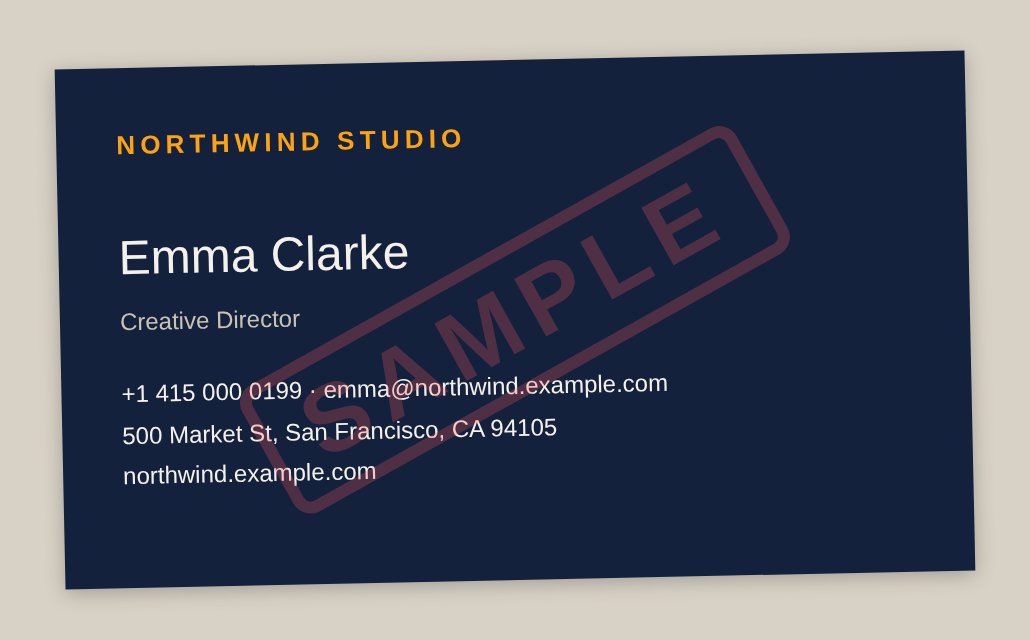
Emma Clarke, Creative Director at Northwind Studio
+1 415 000 0199
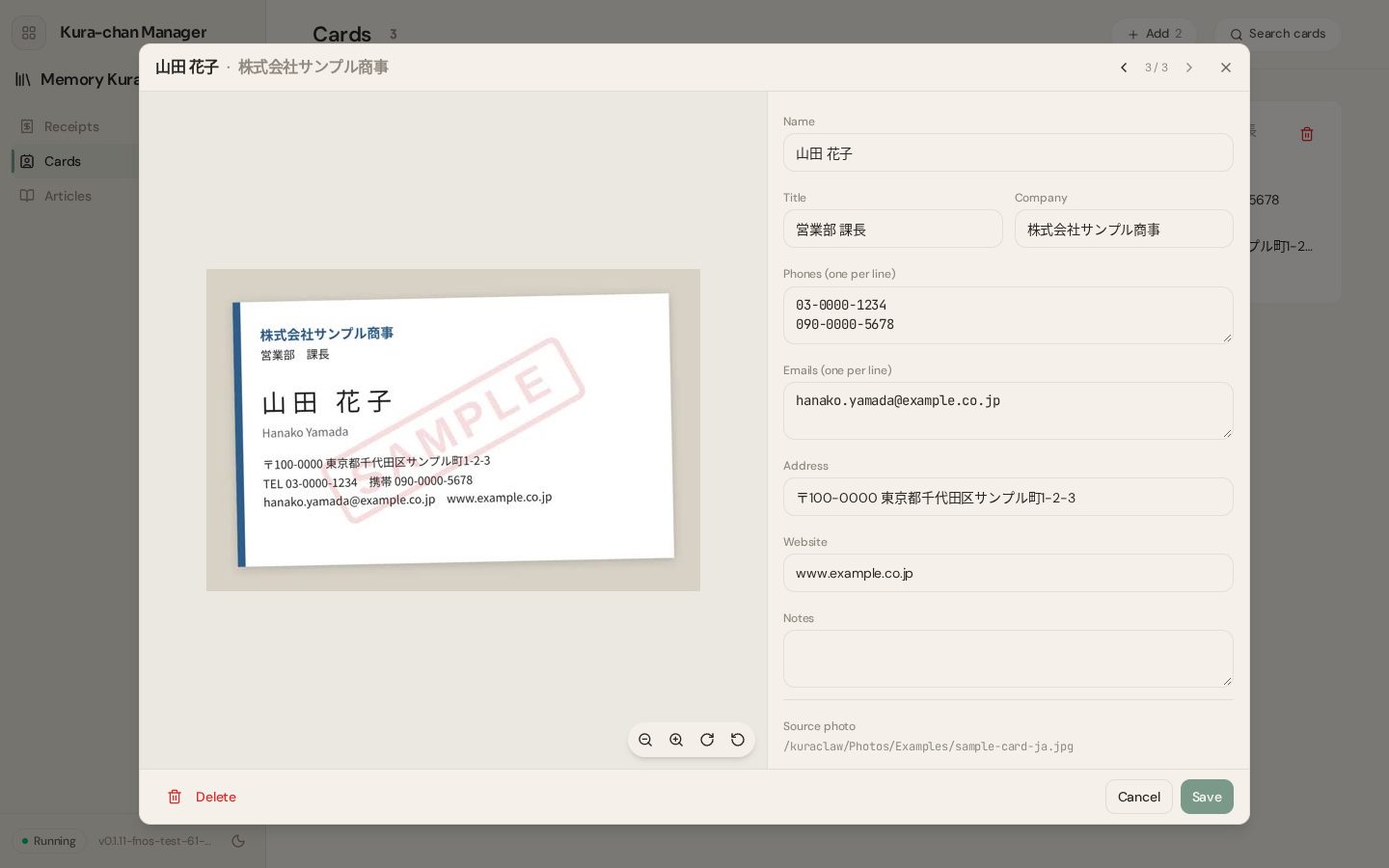
Find
Search by name, company, title, phone or email, including spelling variants such as 田中 / Tanaka.
Tap to copy
Phone numbers and email addresses copy with a single tap.
Edit and delete
Every field can be edited. Deleting asks first.
What couldn't be read goes in notes
Things that aren't a value, like a logo or a QR code, are kept as a note.
From photo to record (scanning)Also in chat
Kura-chan finds the receipts and cards in the photo library ahead of time. The user looks over the candidates and picks what to scan. Reading from photos is always started by a person, never on its own.
 Kura-chan
Candidates are ready
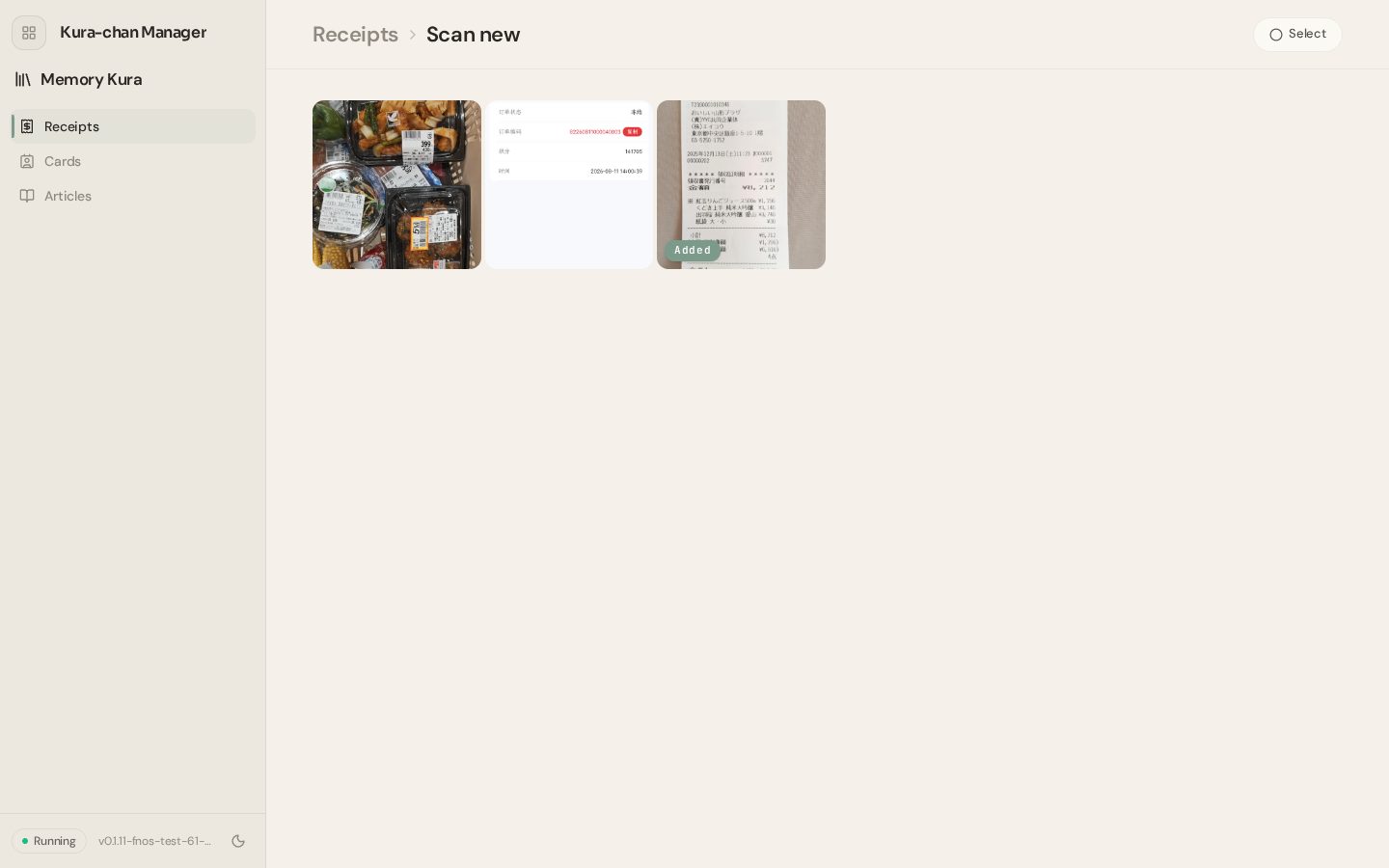
The photo AI Collection sorts out receipts, cards, tickets, handwritten notes and printed pages. Each waits under Add, with a count.
Check them one by one
Open a candidate full-size, pick the ones to scan. Already scanned photos are marked Added.
"Not a receipt"
A wrong guess is simply removed from the candidates. The photo is never deleted, and it can be brought back.
Several records from one photo
A photo with two receipts side by side gives two records. Each photo is read once.
Articles: documents that connectAlso in chat
Kura-chan reads the documents placed in Kura Drive and writes articles from them. Articles are grouped by topic and linked to the ones they relate to. Every statement carries a citation back to the source document. Kura-chan also writes summary articles that span several documents on its own.
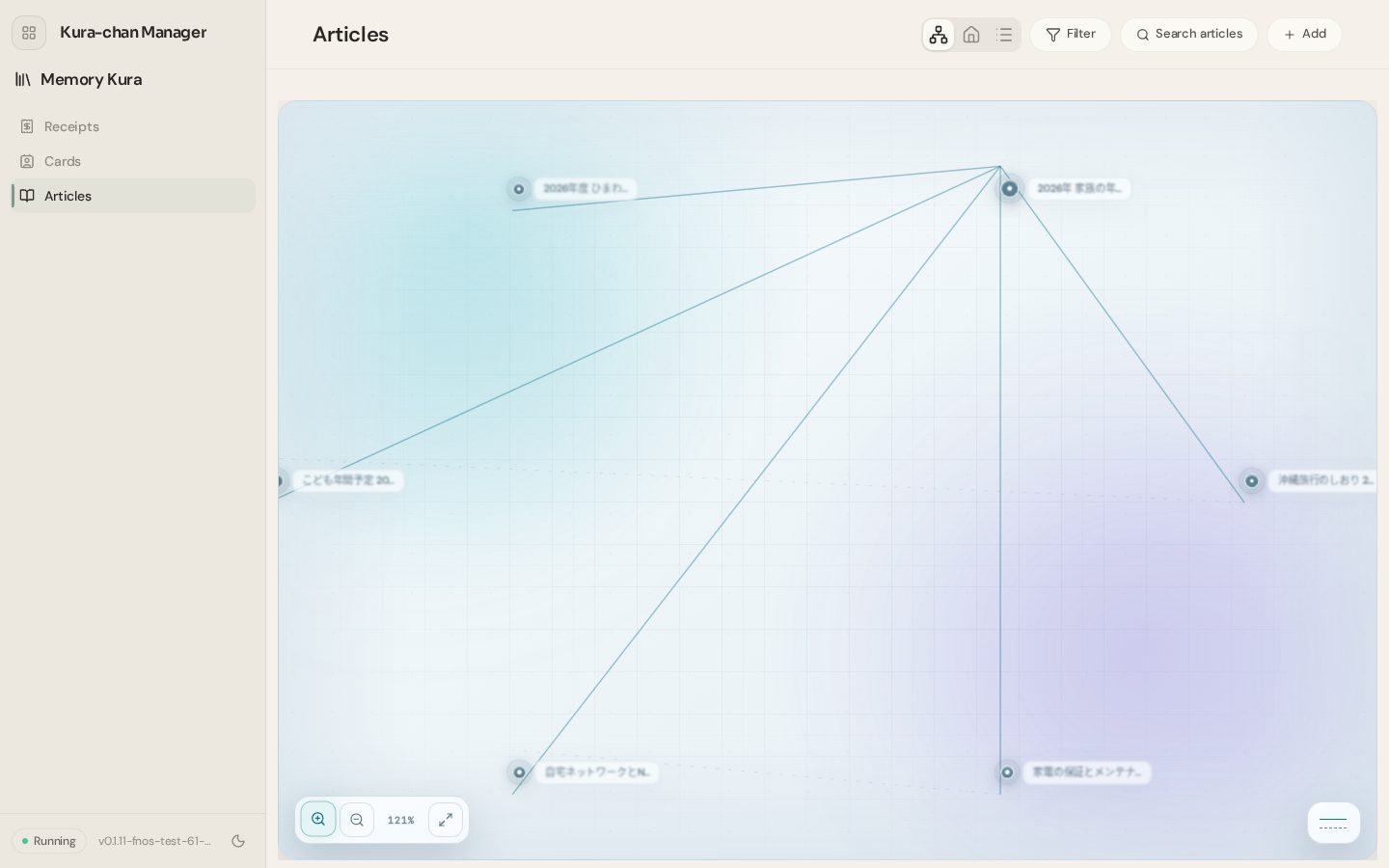
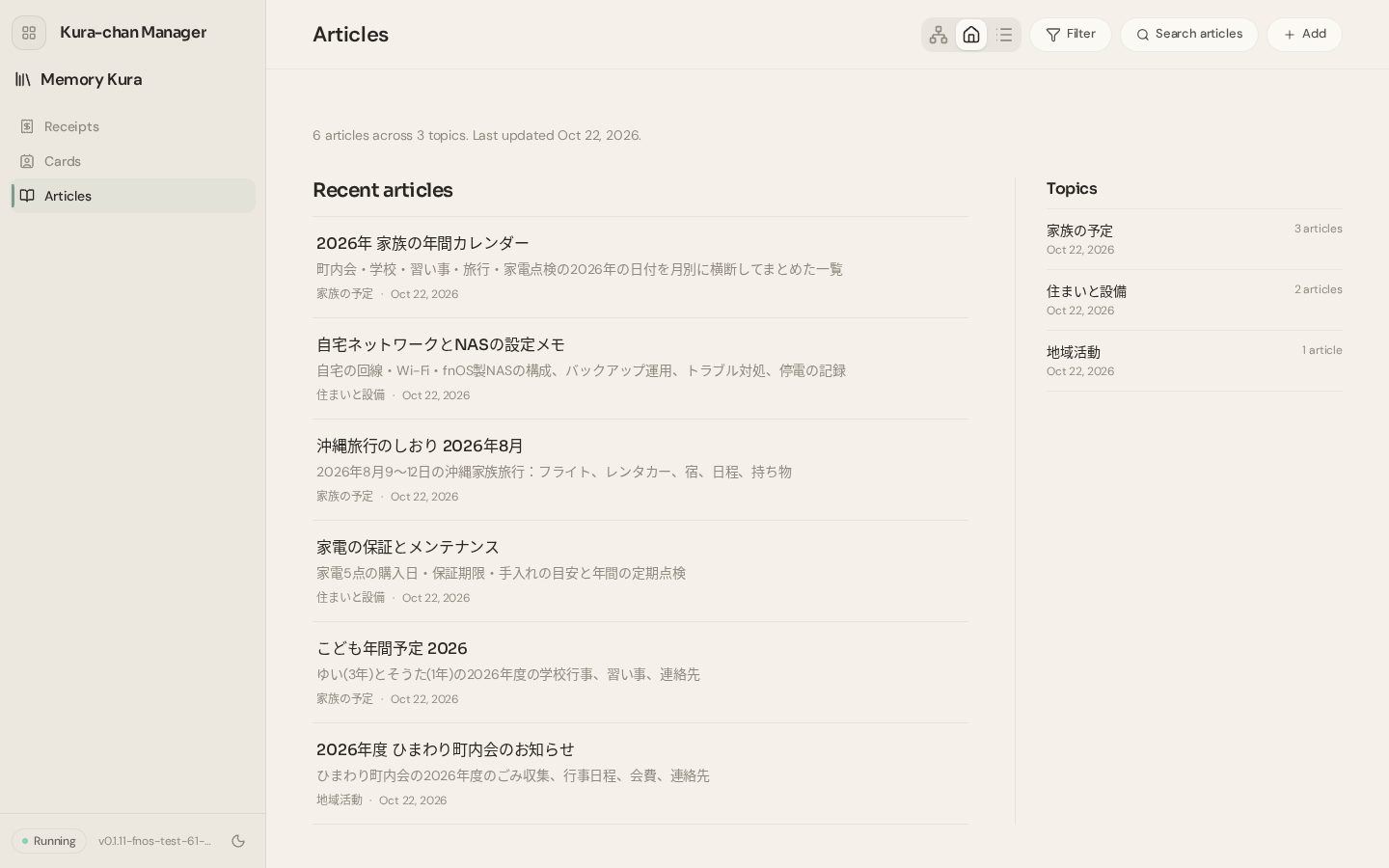
Example: five documents, six articles
Five household documents (network setup notes, a neighbourhood newsletter, a trip itinerary, an appliance warranty list, the children's yearly schedule) were put in Kura Drive, and Add was pressed once. Besides one article per document, Kura-chan wrote a "family calendar" article on its own, pulling the dates out of all five, and sorted everything into three topics. Below are the actual titles and summaries it produced.
2026年 家族の年間カレンダー
The 2026 dates from the neighbourhood, school, lessons, the trip and appliance checks, merged into one month-by-month list
沖縄旅行のしおり 2026年8月
The family trip to Okinawa, Aug 9–12, 2026: flights, rental car, hotels, plan, packing list
こども年間予定 2026
The 2026 school events, lessons and contacts for the two children
自宅ネットワークとMeCloudの設定メモ
The home line, Wi-Fi and fnOS MeCloud setup, backup routine, troubleshooting and the power-cut log
家電の保証とメンテナンス
Purchase dates, warranty ends and care notes for five appliances, plus the yearly checks
2026年度 ひまわり町内会のお知らせ
Rubbish days, the year's events, fees and contacts
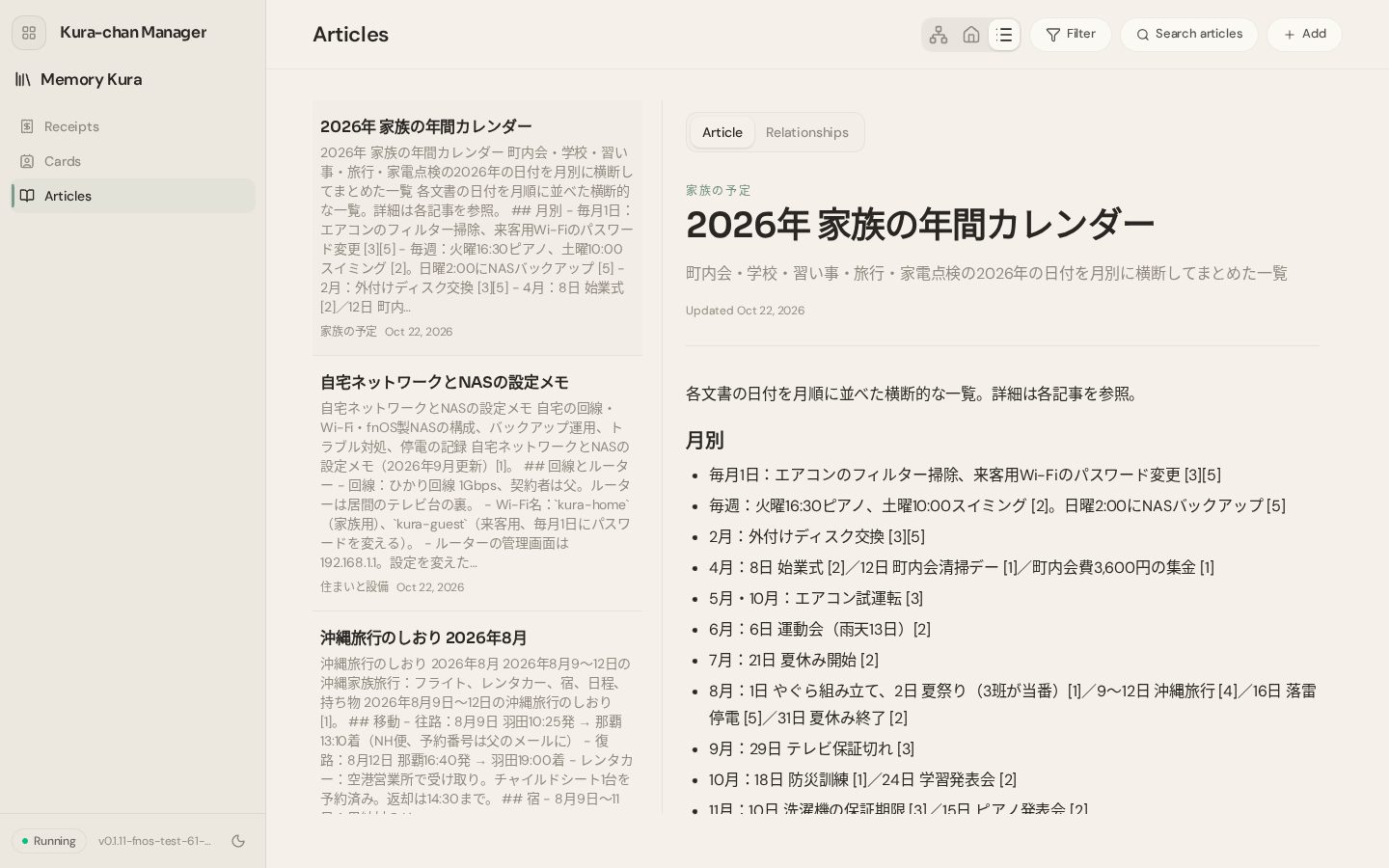
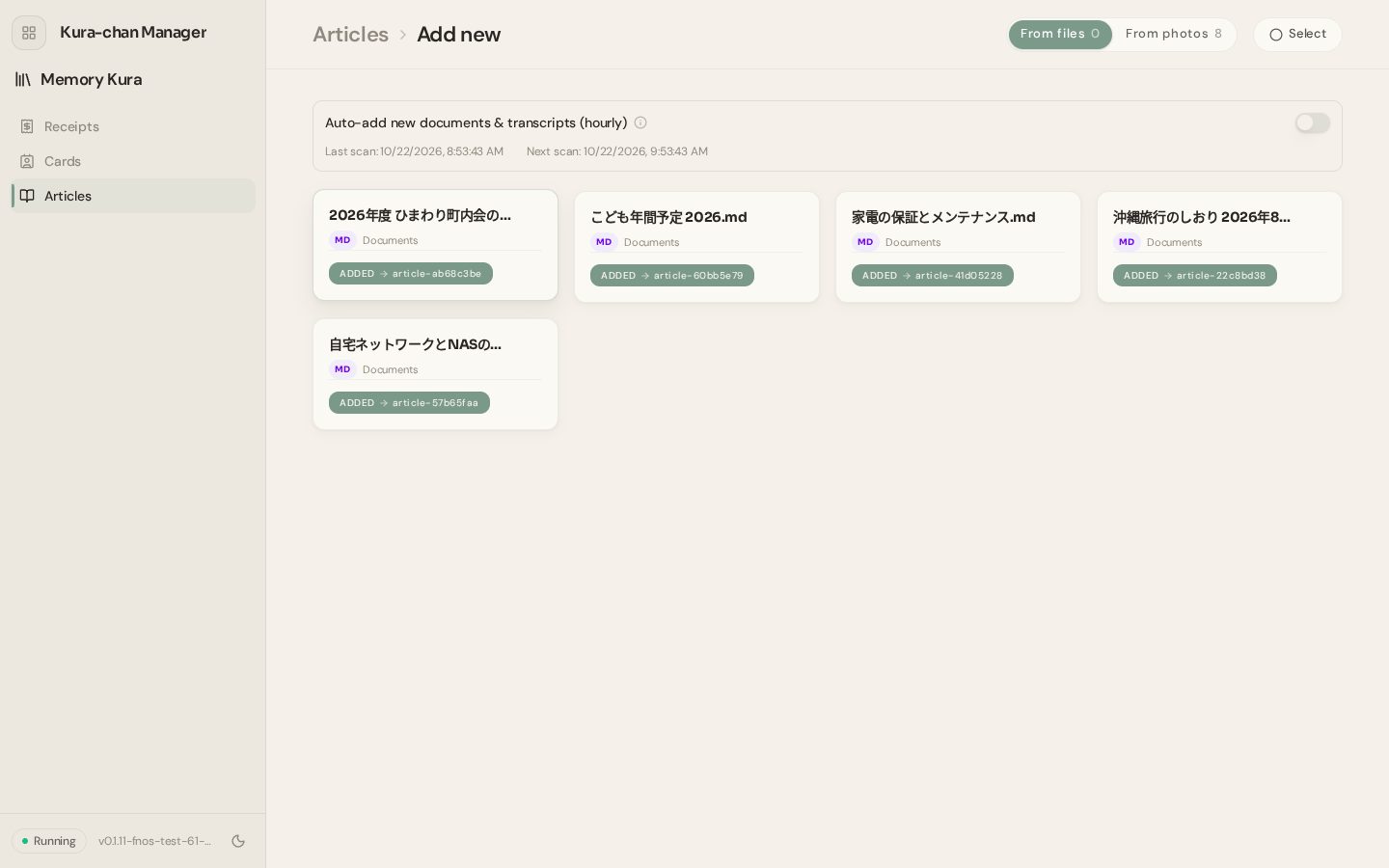
Documents into articles
Markdown, text and PDF are read, and the article is written in the user's language. Numbers and names from the document are kept as they are.
Topics and links
Articles are grouped by topic and linked to related ones with the reason stated. Three views: graph, overview and list.
Every claim has a source
Statements carry a source number that leads back to the document. Anything the documents don't back up is left out.
Sums up across documents
Information scattered across several documents comes together in one article, like the family calendar above.
Automatic, every hour
With auto-add on, new documents and transcripts in Documents become articles every hour. Photos are never added automatically.
Tickets, notes and recordings too
Ticket, handwritten-note and printed-page photos in the library are read and filed as articles. Recordings in Kura Drive are transcribed and go through the same flow.
Memory Kura in chat
No app needed: just ask Kura-chan on LINE. It reads the articles to answer, totals the records, and makes corrections by message.
Kura-chanKura-chanAnswers from articles
"When does the warranty end?", "Who do I book the hall with?" Kura-chan reads the articles before answering.
Totals the records
Totals by period and category, as a chart on request.
Corrects by message
Amounts, vendors, categories, phone numbers, fixed just by saying so.
Deleting asks first
The record is shown and confirmed before it goes. Only the record is deleted, never the photo.
Export, connections and the data itselfAlso in chat
Memory Kura's data doesn't stop here. It can be exported for accounting, sent to an accounting service, and on MeCloud it is stored in a form anyone can open.
The stored record (JSON)
Every record is stored on MeCloud as structured JSON. The 領収書 from chapter 02 becomes this single record:
{
  "kind": "invoice",
  "vendor": "居酒屋 こもれび",
  "date": "2026-09-26",
  "amount": "24200",
  "currency": "JPY",
  "category": "food",
  "recipient": "株式会社サンプル 様",
  "purpose": "お食事代として",
  "registration_no": "T1234567890123",
  "document_no": "0458",
  "items": [
    { "role": "tax", "name": "10%対象 24,200(消費税)", "amount": "2200" }
  ],
  "source_photo": "/kuraclaw/Photos/2026/9/IMG_0458.jpg"
}
Kura-chanFile: the receipt photo
Company: 株式会社サンプル
OK to go ahead?
Export for accounting
From the app, export filtered receipts as a ZIP: a printable ledger (HTML), a CSV and the original photos. No AI involved — it is the stored records, laid out.
To freee
With freee connected, receipt photos go into its file box straight from chat. Kura-chan always confirms before sending.
Records are JSON, articles are Markdown
Each record is one JSON file; articles and topics are Markdown text. All of it sits on MeCloud and can be read by other software.
Records outlive the photo
Records are stored apart from their photos. Tidying the library never leaves a hole in the books.