
Kura-chan app: Duplicates
Duplicates scans your library and groups identical or near-identical photos, so you can compare each group and keep only the best one to free up storage.
-
Click
Duplicatesin the left sidebar.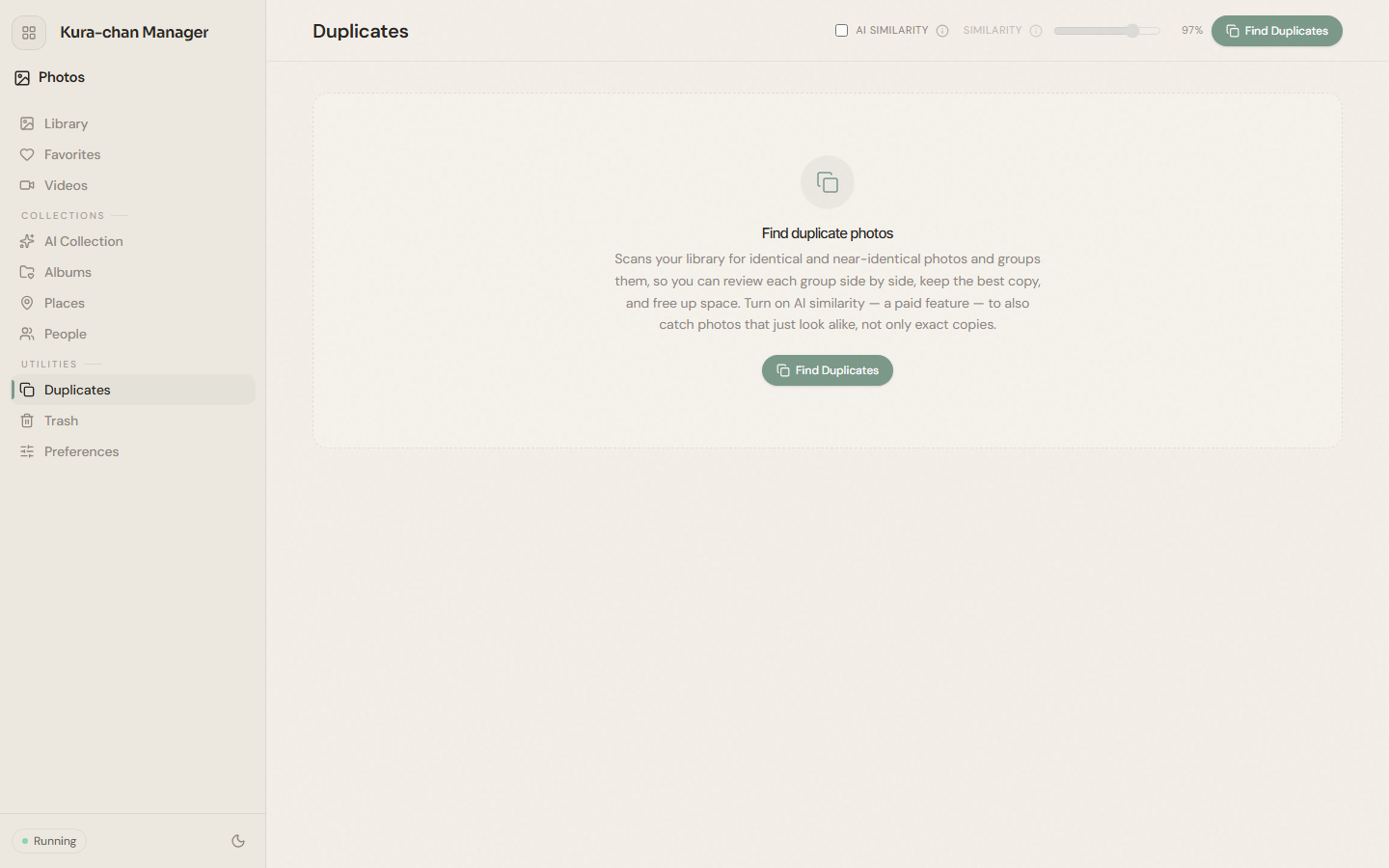
-
Click
Find duplicates. Kura-chan scans your library and groups duplicate photos. -
Compare within each group and delete the ones you don’t need. Deleted photos move to the Trash; they aren’t permanently deleted right away.
Troubleshooting
Section titled “Troubleshooting”- It says
No duplicates found. There are no duplicates in your library under the current settings. Add new photos and scan again, or turn onAI similarityto find similar (not identical) photos.
Next steps
Section titled “Next steps”If you delete something by mistake, restore it from the Trash.