
Kura-chan app: Kura Drive
Kura Drive is the file workspace you share with Kura-chan. Files you send over LINE are saved here, along with files you upload and files Kura-chan creates or saves for you.
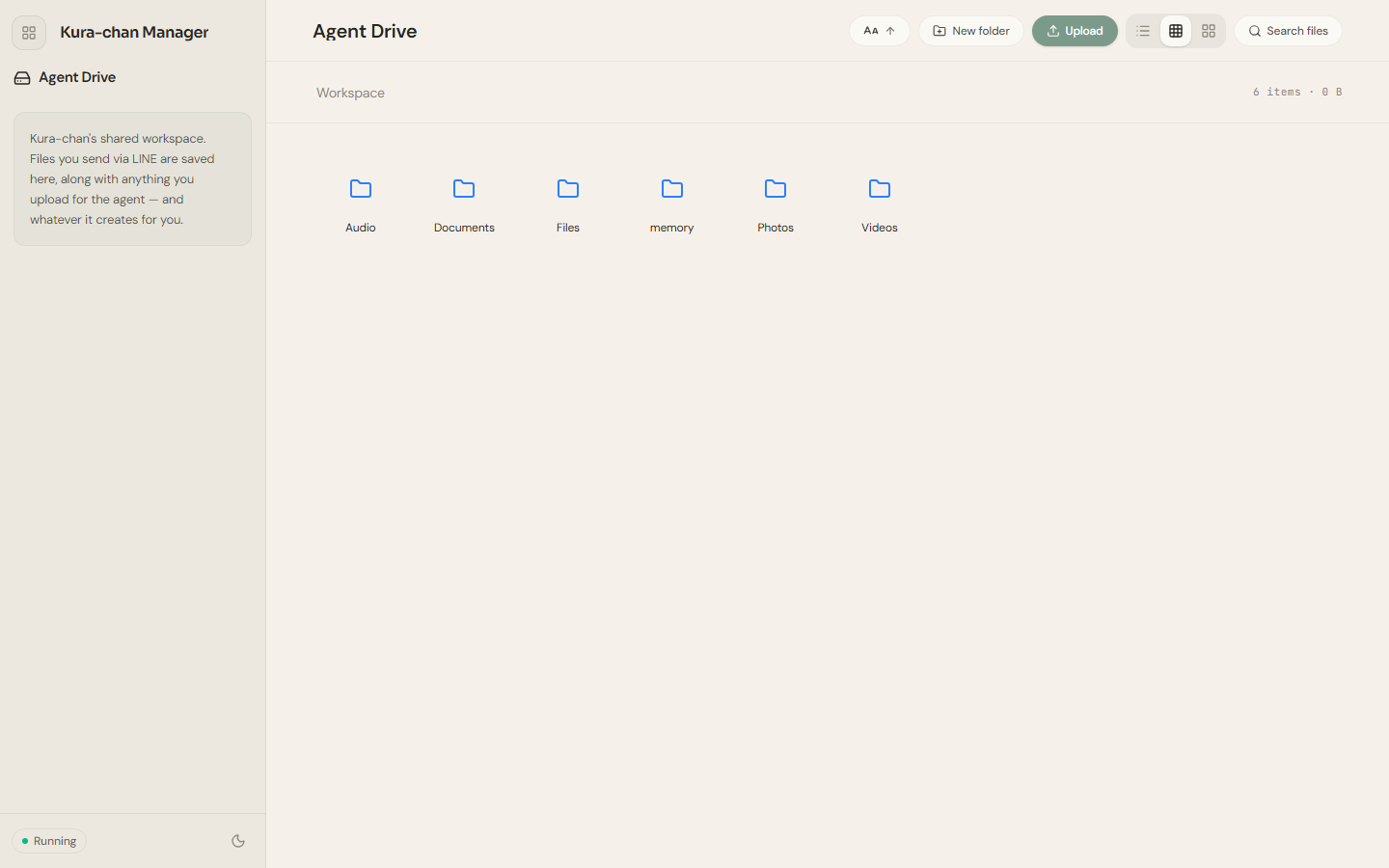
Workspace layout
Section titled “Workspace layout”The workspace comes with folders organized by type, such as Audio, Documents, Files, Photos, and Videos. You can also create your own with New folder at the top.
What you can do
Section titled “What you can do”- Browse and preview: open folders and preview common file types. See Browse files.
- Upload and download: put local files into the workspace or pull files back to your device. See Upload & download.
- Organize: right-click any file or folder to
Rename,Move to…,Copy to…, orDelete. - Search: use
Search filesat the top to search the current workspace. - Transcribe: turn recordings or videos into text. See Transcribe.
Next steps
Section titled “Next steps”To organize documents into searchable, askable content, read Memory Kura. To send files over chat, read Chat with Kura-chan: Files & Memory Kura.