
Kura-chan app: Browse files
Browse folders in Kura Drive and preview common file types without downloading them.
-
Click the sections menu in the top-left corner and choose
Kura Drive.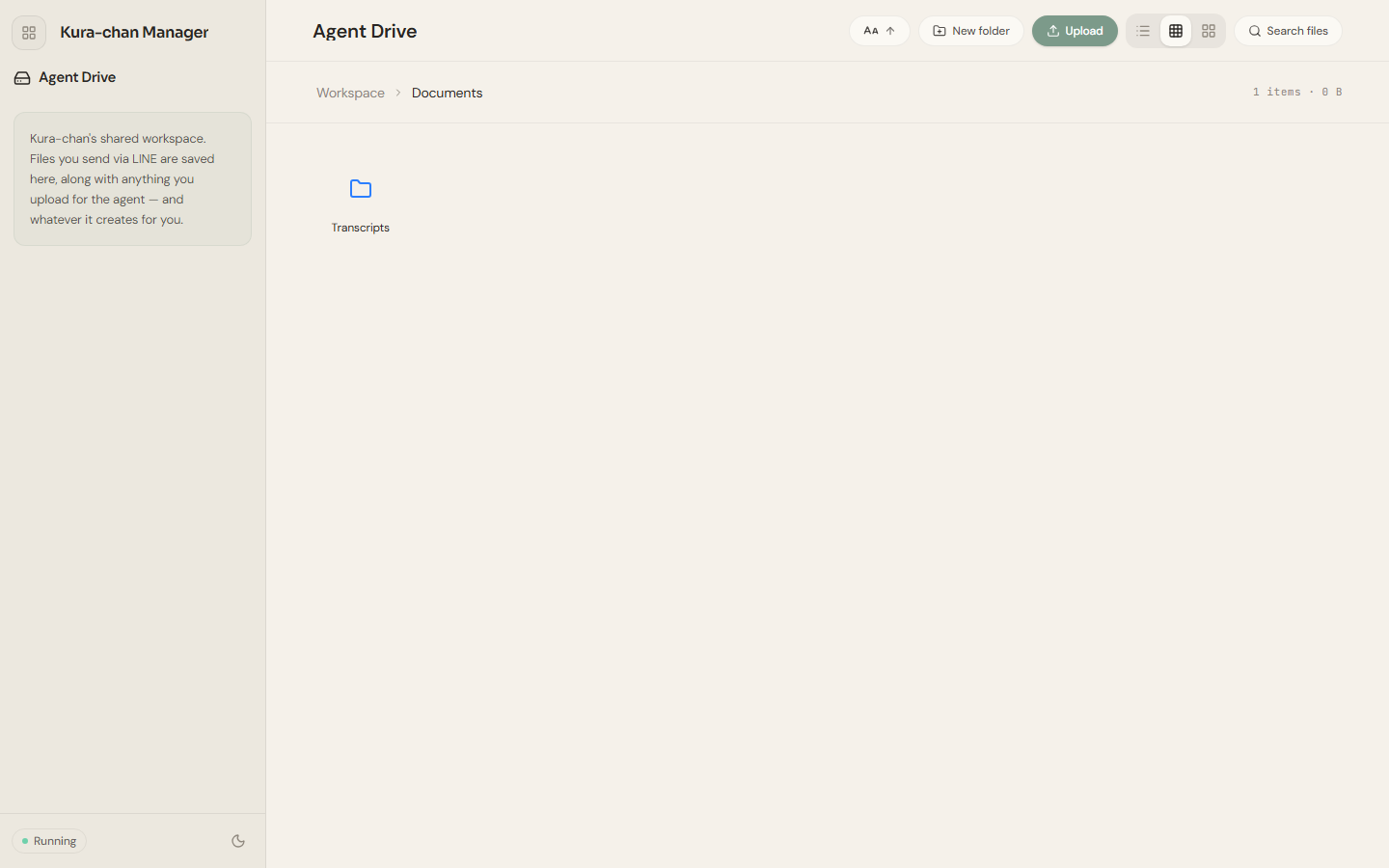
-
Double-click a folder to open it. The path at the top (for example
Workspace→Documents) shows where you are; click any segment to jump back. -
Double-click a file to preview it, or right-click and choose
Preview. Markdown, text, PDF, Word, spreadsheets, CSV, images, audio, video, and archives all open right here. -
Use
Search filesat the top to search the current workspace by name, and the view buttons in the top-right to switch between list and grid.
Next steps
Section titled “Next steps”For an audio or video file, continue with Transcribe.