
Kura-chan app: Memory Kura
Memory Kura is Kura-chan’s knowledge area. It organizes your documents, transcripts, and document photos into connected content you can browse and ask about. The left sidebar has three pages: Receipts, Cards, and Articles.
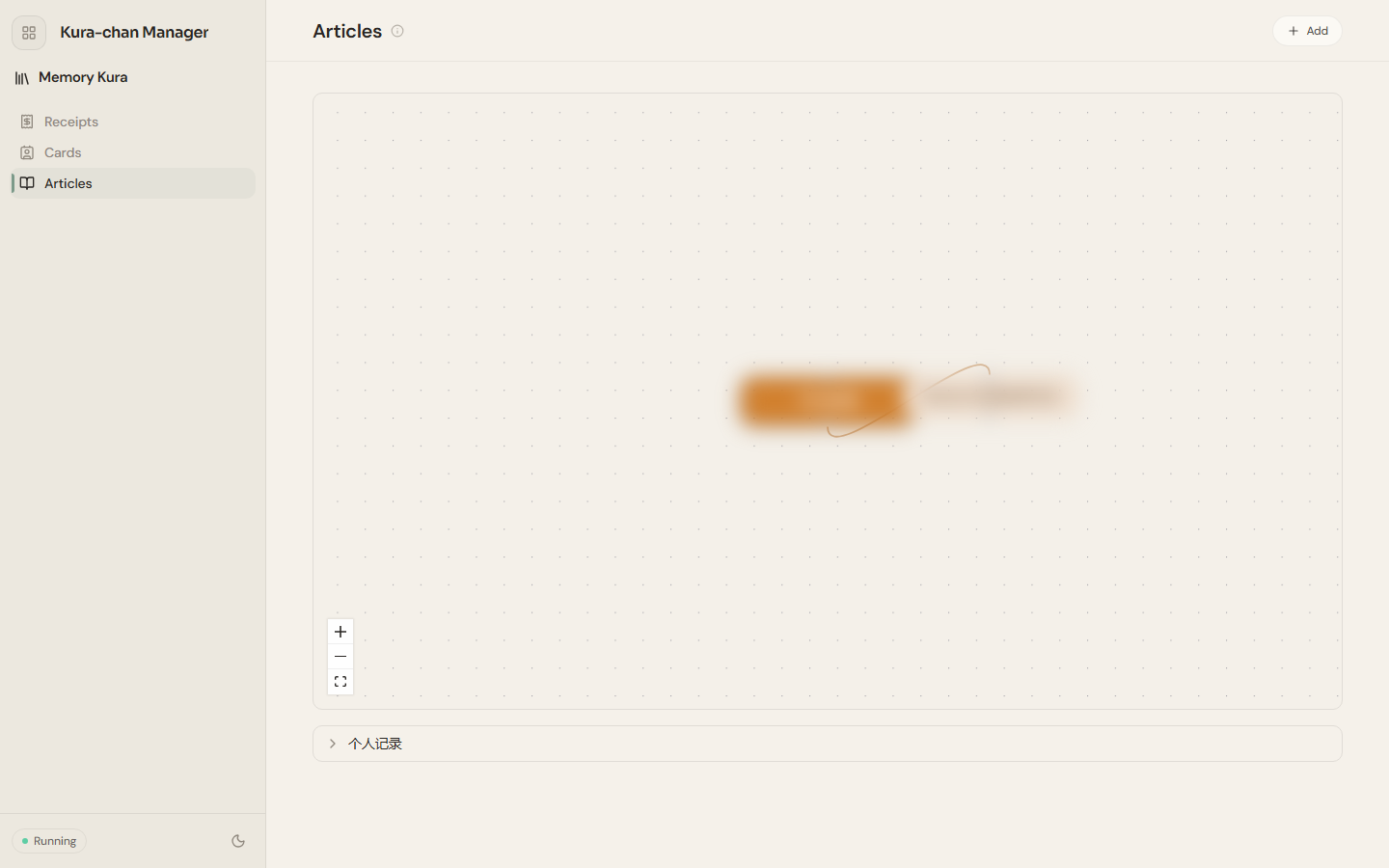
The three pages
Section titled “The three pages”- Articles: Kura-chan reads the documents, transcripts, and document photos you add, organizes them into connected articles, and shows how they relate in a graph.
- Receipts: receipts recognized from photos become filterable, exportable records.
- Business cards: cards recognized from photos become searchable contacts.
Where content comes from
Section titled “Where content comes from”- Documents and transcripts: files saved in the Kura Drive
Documentsfolder and the results of Transcribe can be added underArticles→Add, or added automatically every hour. - Documents in photos: Kura-chan automatically finds receipts, cards, and document photos in your library; they become records once you recognize them on each page.
Next steps
Section titled “Next steps”To capture receipts or cards by photo over LINE, read Chat with Kura-chan: Receipts & cards. To learn how to add documents, continue with Articles.