
Kura-chan app: AI Chat
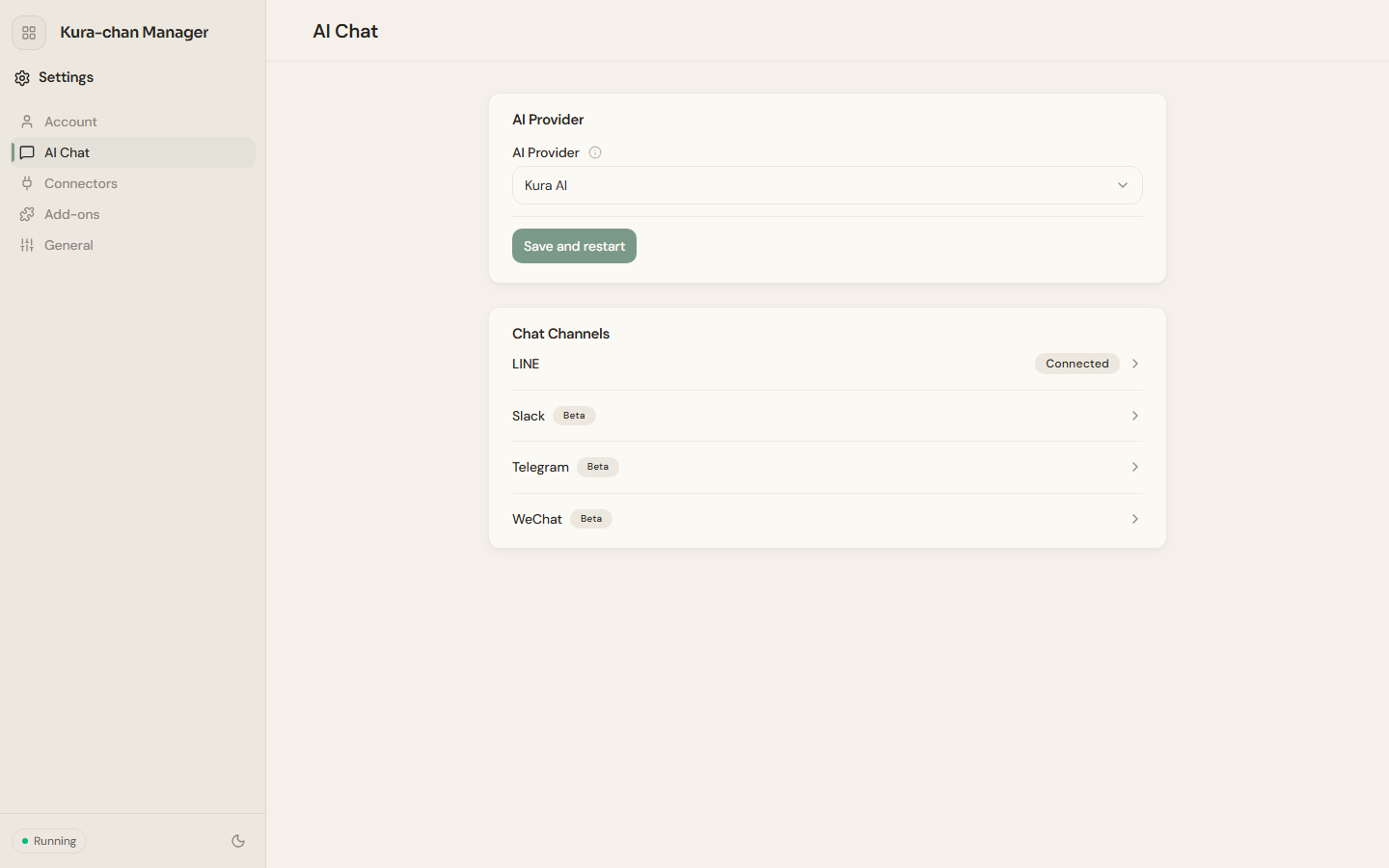
The AI Chat panel manages two things: which AI provider Kura-chan uses, and which chat channels you talk to it through.
AI provider
Section titled “AI provider”-
Under
AI service, pick a provider inAI provider. Options:Kura AI,OpenAI,Anthropic,Gemini,AWS Bedrock,Groq,Alibaba,OpenRouter,Zhipu. -
Click
Save & restartto apply the change.
Chat channels
Section titled “Chat channels”Chat channels lists the chat entry points you can connect: LINE, Slack, Telegram, WeChat. A connected channel shows Connected, and Beta marks features still in testing. Once connected, you can talk to Kura-chan in chat without opening the Kura-chan app.
Click a channel to start connecting it. For detailed steps, see LINE and Slack.
Next steps
Section titled “Next steps”After connecting LINE, read LINE to learn how to use Kura-chan in chat.