
Kura-chan app: Kura-chan's schedule
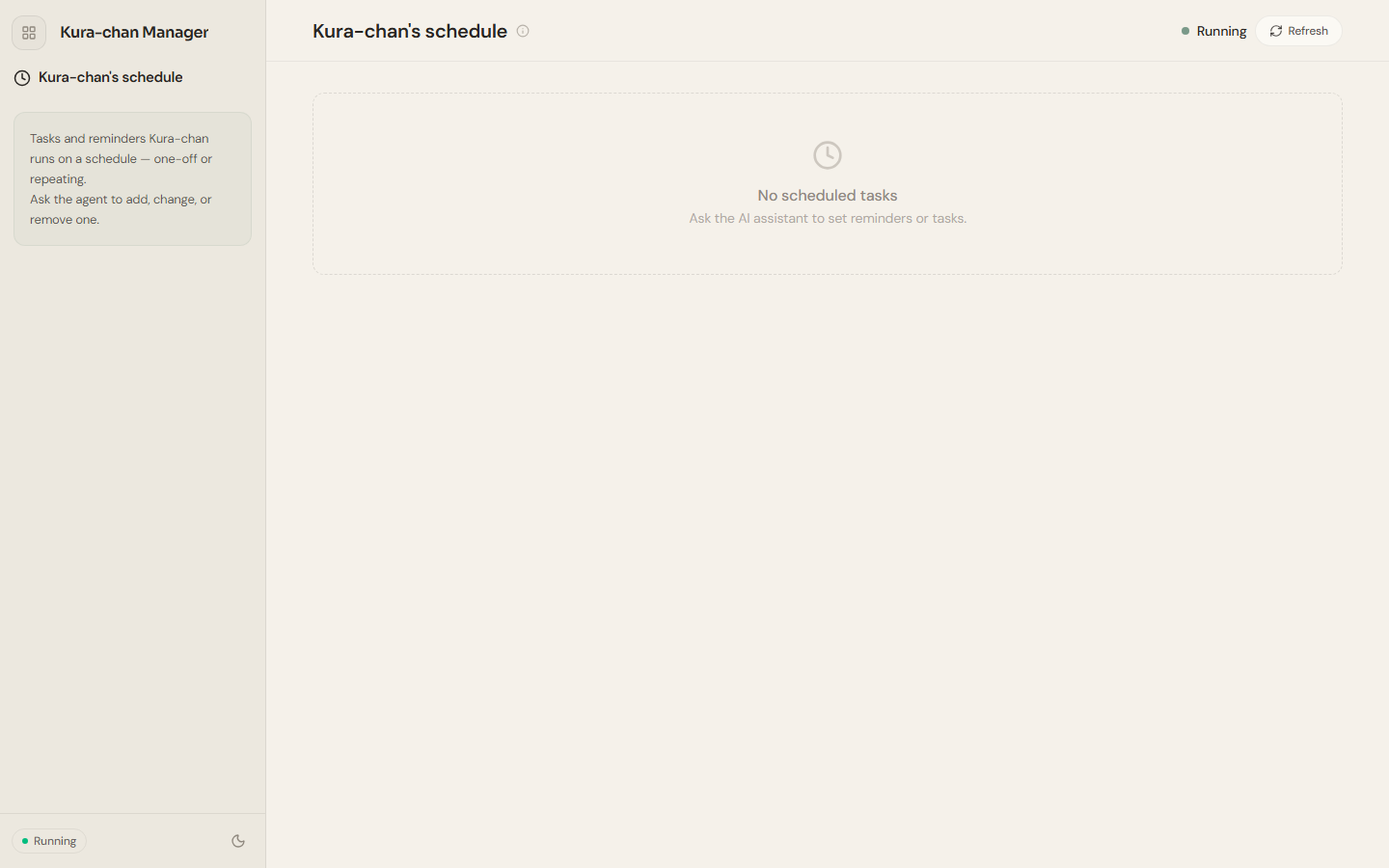
Kura-chan's schedule shows the tasks and reminders Kura-chan runs for you on a schedule — one-time or recurring.
View and manage
Section titled “View and manage”This page is for viewing scheduled tasks. To add, change, or delete them, just tell Kura-chan — for example, say in chat “remind me to submit my weekly report every Monday at 9am.” After the list changes, click Refresh to get the latest state.
When there are no scheduled tasks, the page shows No scheduled tasks and prompts you to talk to the assistant to set up a reminder or task.
Schedule vs. calendar
Section titled “Schedule vs. calendar”- Kura-chan’s schedule: tasks and reminders Kura-chan runs automatically when the time comes (can repeat).
- Calendar: your own schedule of events, for viewing and recording.
Next steps
Section titled “Next steps”To set up reminders or tasks in chat, read Chat with Kura-chan: Reminders & calendar.