
Dashboard: Search & filter mail
Synced mail is added to a local search index. You can search subjects, senders, and bodies by keyword, and narrow the results by account or mail kind.
-
Open the
Mailpage and clickSearch mailin the top-right corner. -
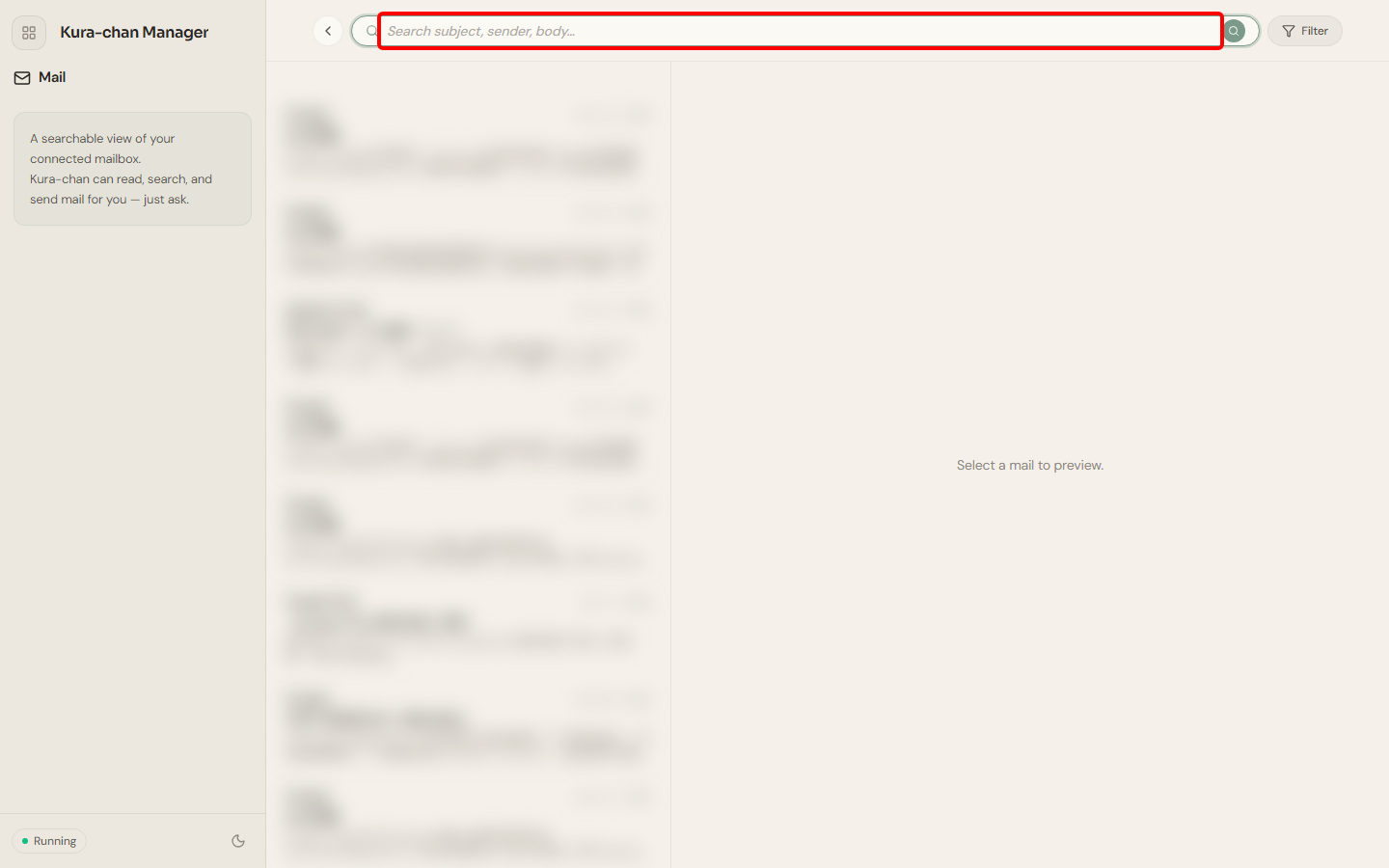
Type keywords into the search box at the top. Subjects, senders, and bodies are all searched.
-
To narrow the results, click
Filter:Account: show mail from one connected mailbox only.Kind: filter by mail type —Newsletter,Transactional,Personal,Automated,Spam, orSuspected spam.
-
Click
Resetto clear all filters.
Troubleshooting
Section titled “Troubleshooting”- A message you just received doesn’t show up: new mail becomes searchable after syncing finishes. Wait a moment and try again.
- The list is empty: make sure a mailbox is connected. See Connect & sync a mailbox.
Next steps
Section titled “Next steps”To ask Kura-chan to search or summarize mail in chat, read Chat with Kura-chan: Mail.